
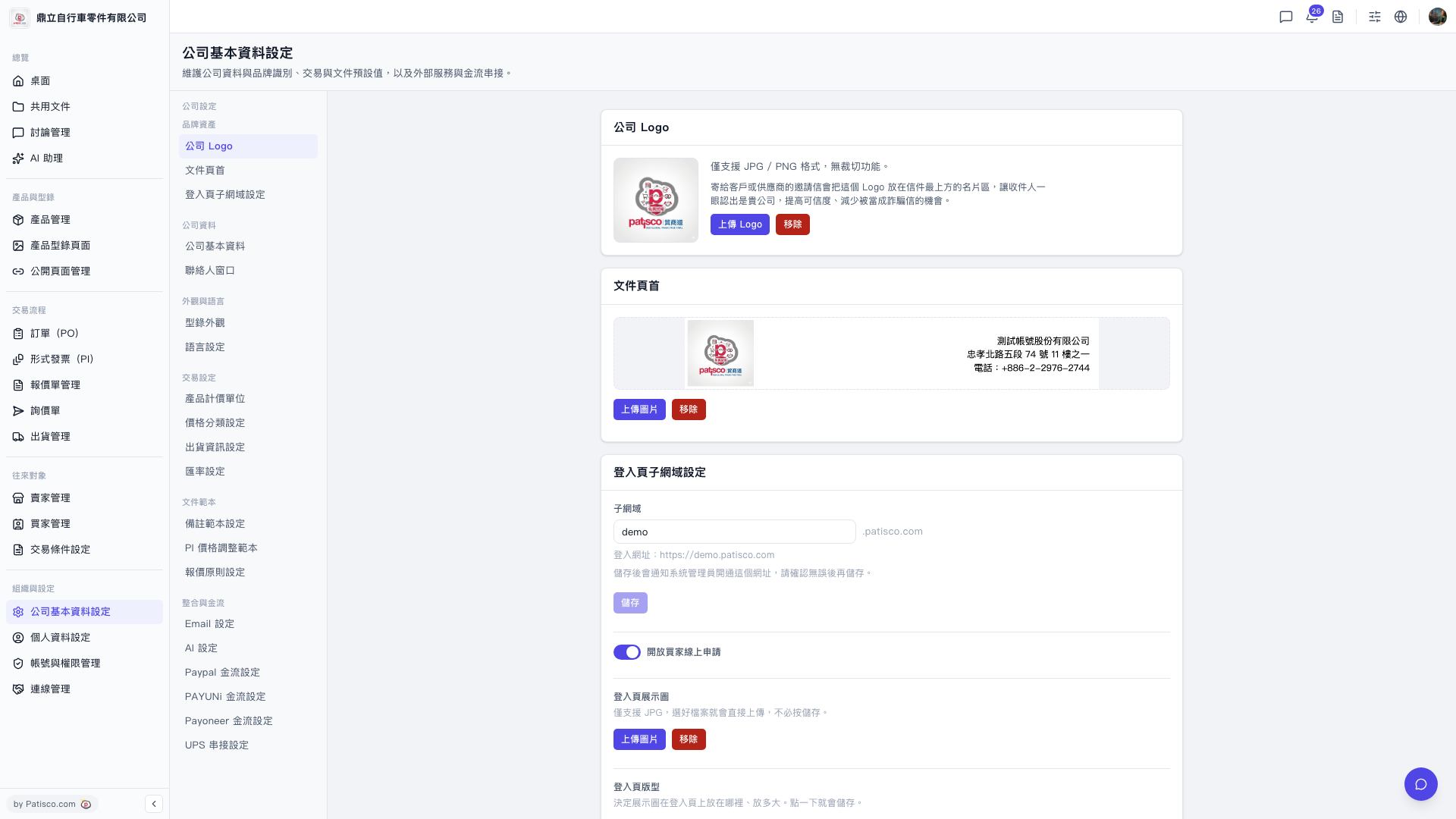
1. V5の新しいデスクトップ版にログインした後、https://v5.patisco.com/company-basic#ups-settingにアクセスするか、会社基本設定ページで「UPS Authorization」セクションを見つけます。 2. 現在のステータスが「Not Connected」と表示されていることを確認します。 3. そのセクションのリンク/認可ボタンをクリックし、画面の指示に従ってUPSアカウント認可プロセスを完了します。
AIアシスタントにこのように質問できます:「UPS authorization shows not connected, how do I connect it?」 AIは次のように返信します:「Please go to the UPS Authorization section in the company basic settings, click the connect button, and then follow the instructions to enter your UPS account information to complete the authorization.」
 V5 新桌面版|ups.setting