
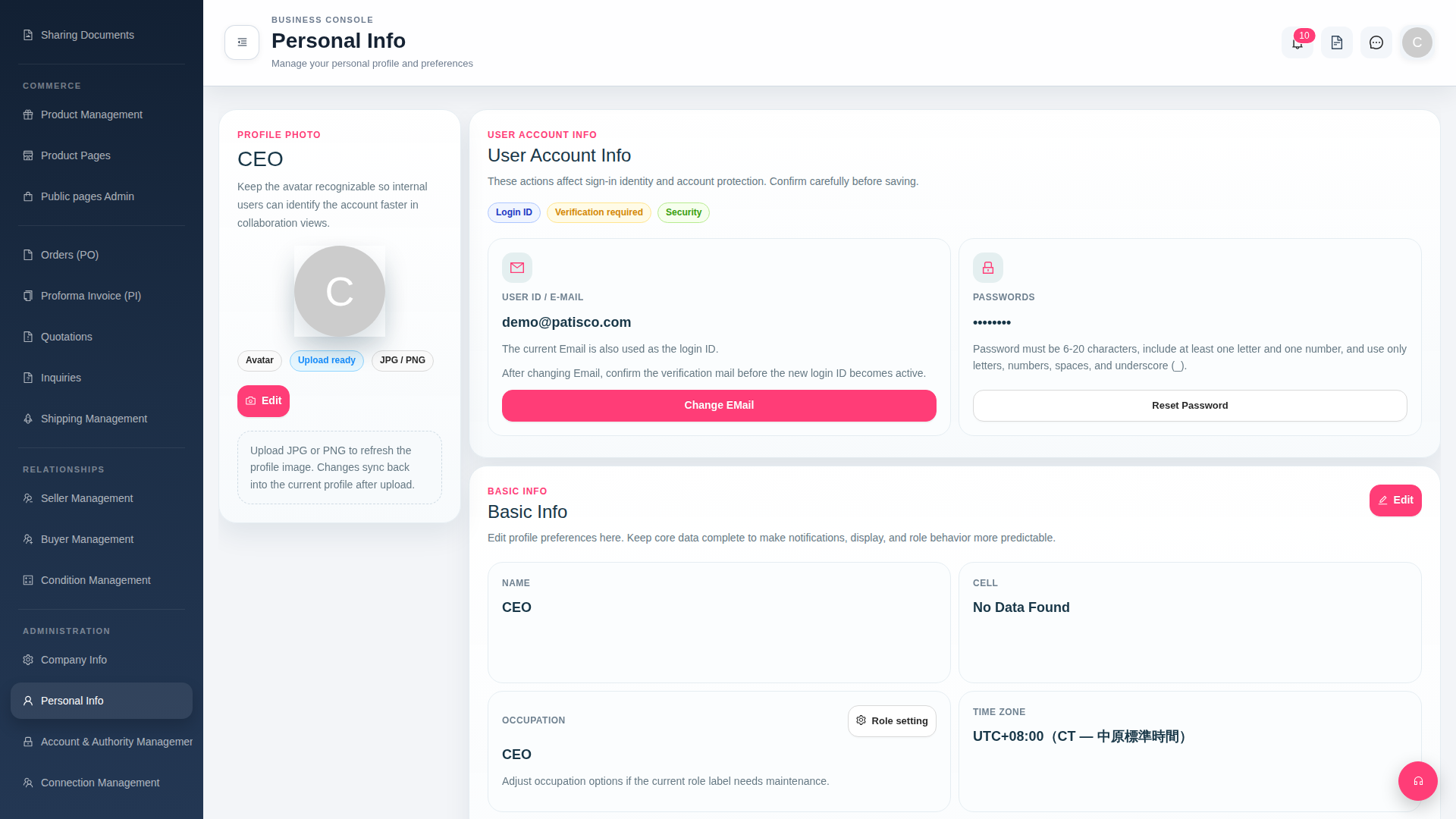
1. Click "Personal Info" under the "ADMINISTRATION" category in the left sidebar to open your profile page. 2. Click the "Upload ready" button next to the profile picture icon and select a JPG or PNG image file. 3. After uploading, the profile picture will automatically sync across all collaboration views without requiring additional save.
 G4 桌面版|Personal Info