
【Change Email】 1. Go to the "Personal Info" page and find the "USER ACCOUNT INFO" section. 2. Click the pink "Change EMail" button below the Email field and enter your new email address. 3. The system will send a verification email; click the confirmation link in your inbox to activate the new email as your login ID.
【Reset Password】 1. In the same "USER ACCOUNT INFO" section, click the "Reset Password" button below the password field. 2. Follow the on-screen instructions to set a new password, which must be 6–20 characters and include both letters and numbers.
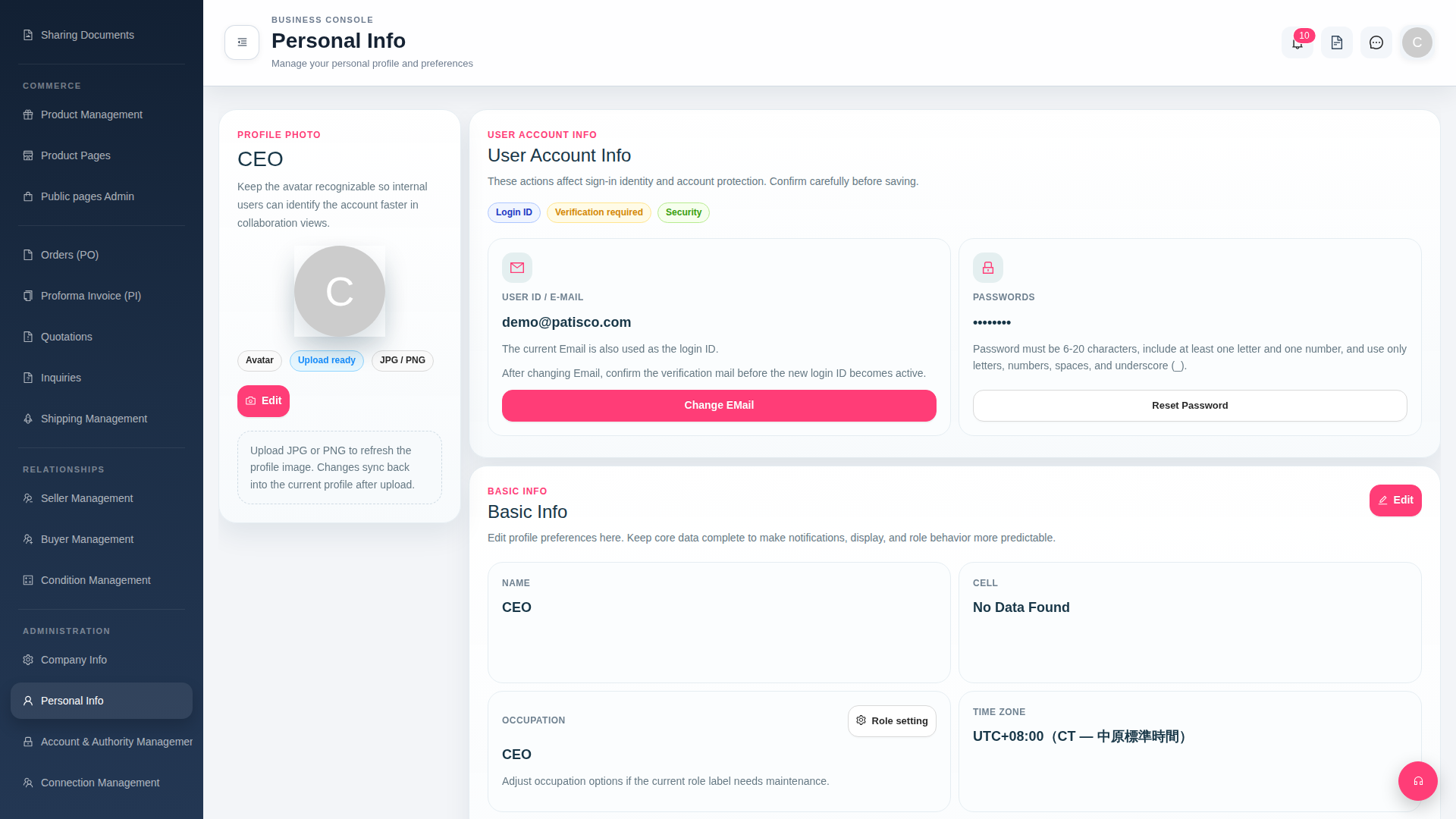 G4 桌面版|Personal Info