
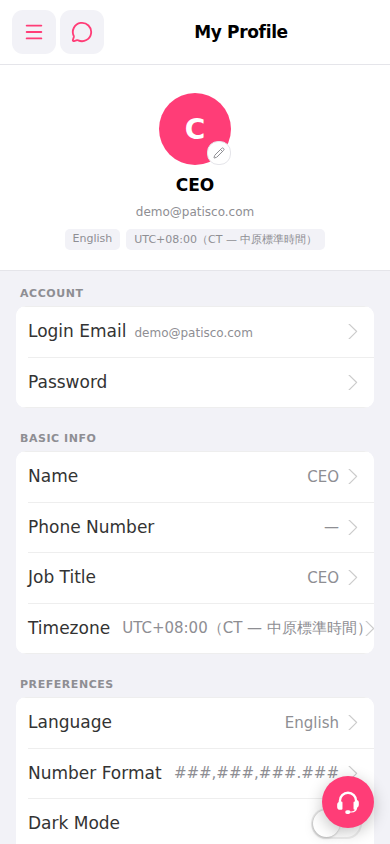
1. Open Patisco on mobile and go to the My Profile page. 2. Find your profile picture at the top of the page. 3. Tap the "edit picture (pencil icon)" in the bottom right corner of the picture. 4. Follow the on-screen instructions to select a new profile picture.
 手機版|My Profile