
1. Open Patisco mobile and go to the "Shared Files" page, which will display a list of all main folders. 2. Find the folder you want to view and click the ">" expand arrow on the left side of that row. 3. After the arrow expands, you can see a list of subfolders or files in that folder. 4. To perform other actions on a folder (such as rename or delete), click the "⋮" menu on the right side of that row.
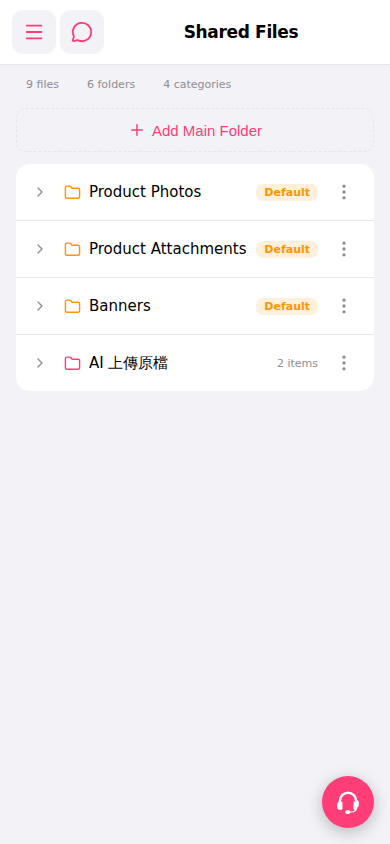 手機版|共享檔案(Shared Files)