
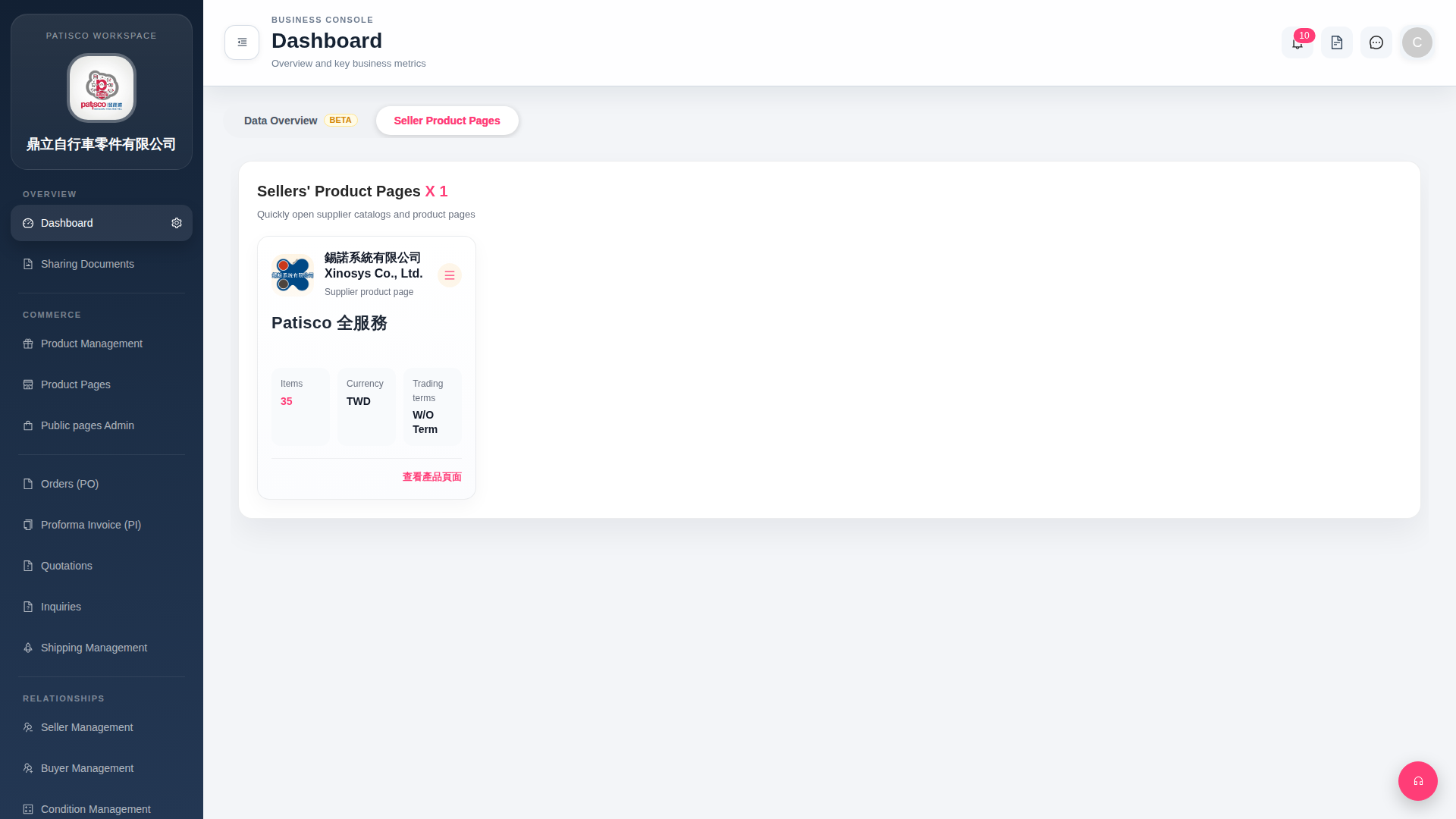
1. After logging in, go to the Dashboard page. 2. Click the "Seller Product Pages" tab at the top of the page (currently selected by default). 3. On the supplier cards, confirm that the supplier name, Items (number of products), Currency, and Trading terms (trading terms) are correct. 4. After confirming, click "View Product Page" in the bottom right corner of the card to enter that supplier's complete product catalog page. 5. If you need to perform other operations (such as editing or deleting), click the "≡" menu in the top right corner of the card to expand more options.
 G4 桌面版|Dashboard