
1. There are currently two tabs available at the top of the page: - "Seller Product Pages": View the list of linked seller product pages (currently selected). - "Data Overview BETA": Switch to the data overview page to view key business metrics. 2. If you want to get an overview of your overall business data, click the "Data Overview BETA" tab to enter. 3. In the top right corner there are also "Notification Bell (10)", "Document Icon" and "Message Icon", which can respectively view system notifications, access documents, and open the messaging function.
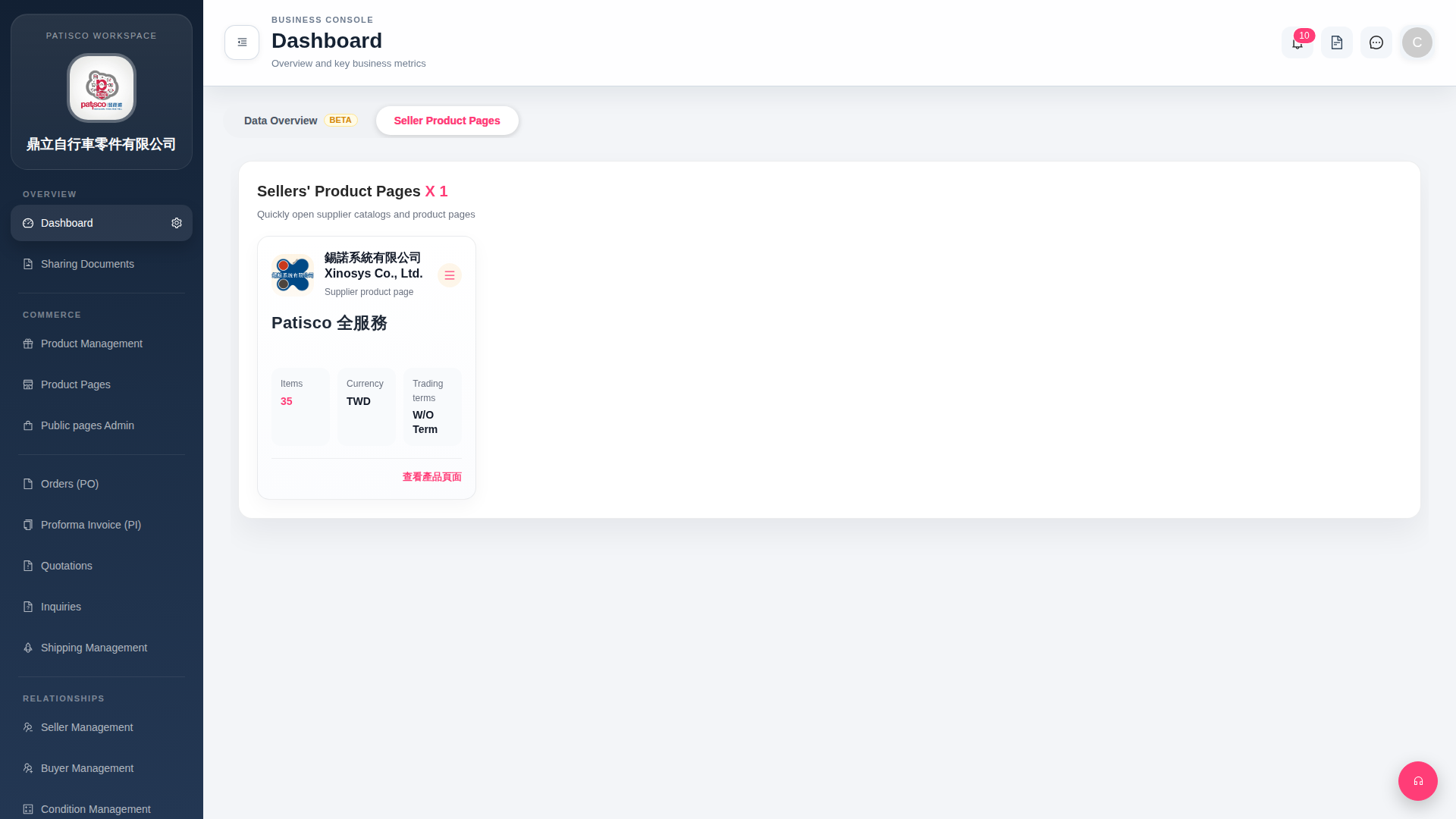 G4 桌面版|Dashboard