
1. After entering the "Quotations" page, you can enter the Quotation No. keyword directly in the search field to query. 2. To filter by buyer, click the "Buyer Listing" on the right side of the search bar to select the corresponding buyer. 3. To filter by date range, set the date range in "Start date / End date" at the far right of the search bar, then click the orange magnifying glass button to execute the search. 4. To view overall statistics of each status, click "Stat All" in the filter bar at the top of the page.
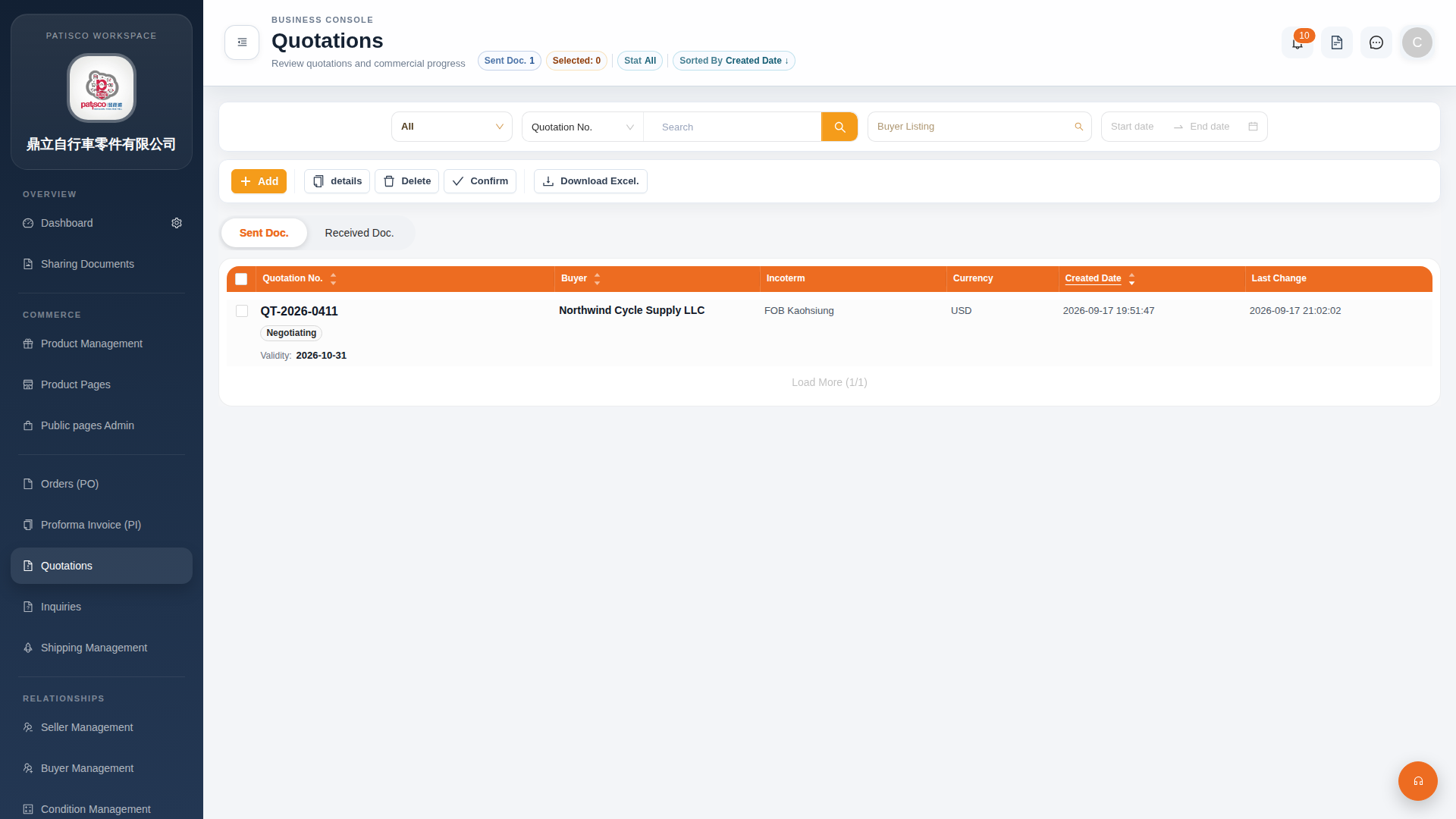 G4 桌面版|Quotations(報價單管理)