
1. On the Shipping Management page, first confirm that the filter "Stat: Preparing" has been switched to the target status, and find the document you want to delete. 2. Check the checkbox on the left side of the target shipping document in the list; you can check multiple documents at once. The "Selected Items" number in the page subtitle area will update simultaneously to show the number of selected items. 3. After confirming the selection is correct, click the "Delete" button at the top of the list to execute the deletion.
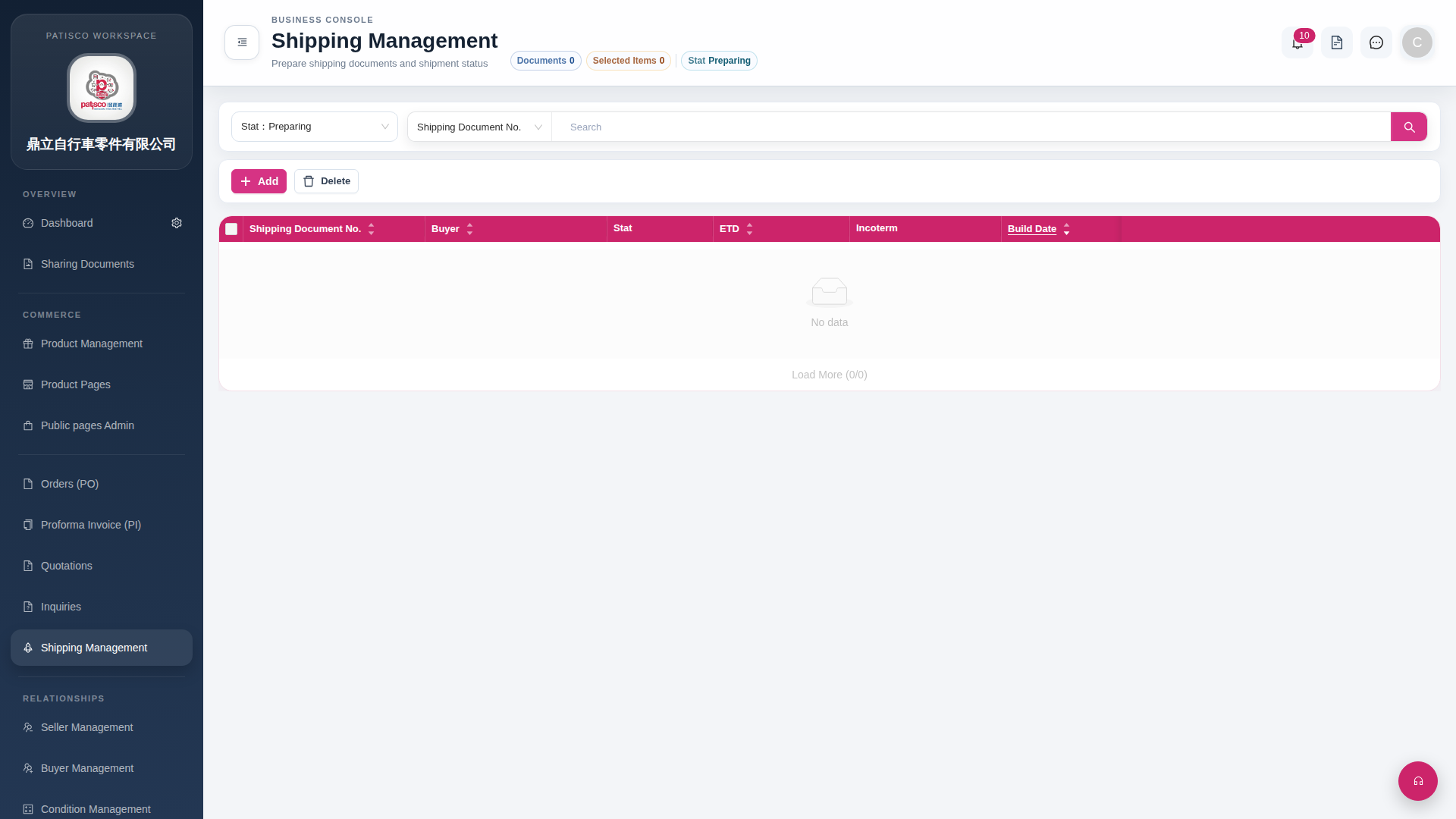 G4 桌面版|Shipping Management