
1. Open Patisco on mobile and go to the "My Profile" page. 2. Scroll down to find the "BASIC INFO" section. 3. Tap "Name" to edit your display name; tap "Phone Number" to add or update your phone number; tap "Job Title" to change your job title; tap "Timezone" to adjust your timezone. 4. Enter the new information in each field and save according to the on-screen instructions.
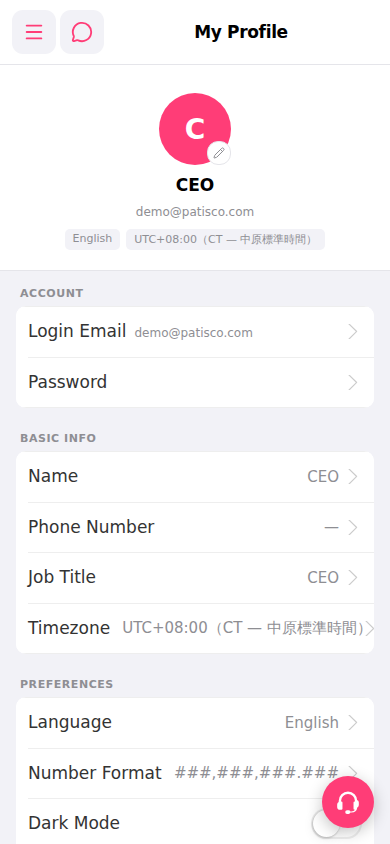 手機版|My Profile