
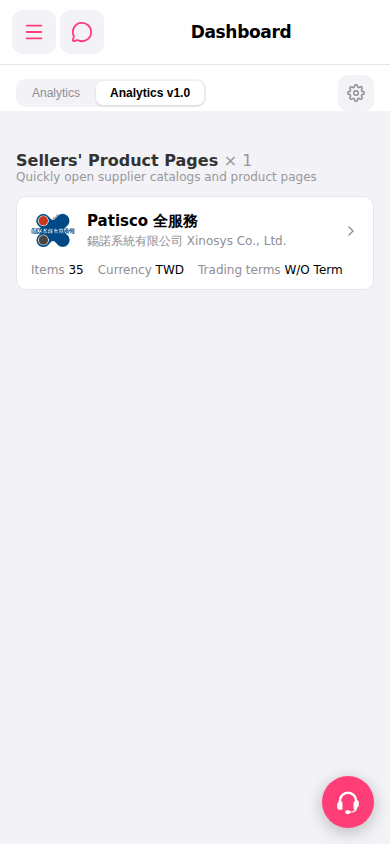
1. Top left "☰" hamburger menu: Click to expand the sidebar navigation menu and switch to other functional modules. 2. The "💬" icon to the right of the hamburger menu: Click to open the messages or notifications window. 3. Top right "⚙" gear icon: Click to open the display settings for the Analytics section, allowing you to adjust how Analytics is presented. 4. To switch between analysis views, click "Analytics" on the left side of the tab bar to switch to the older view, or click "Analytics v1.0" to return to the current version. 5. Pink "🎧" customer service button in the bottom right: Click to contact online customer support.
 手機版|Dashboard