
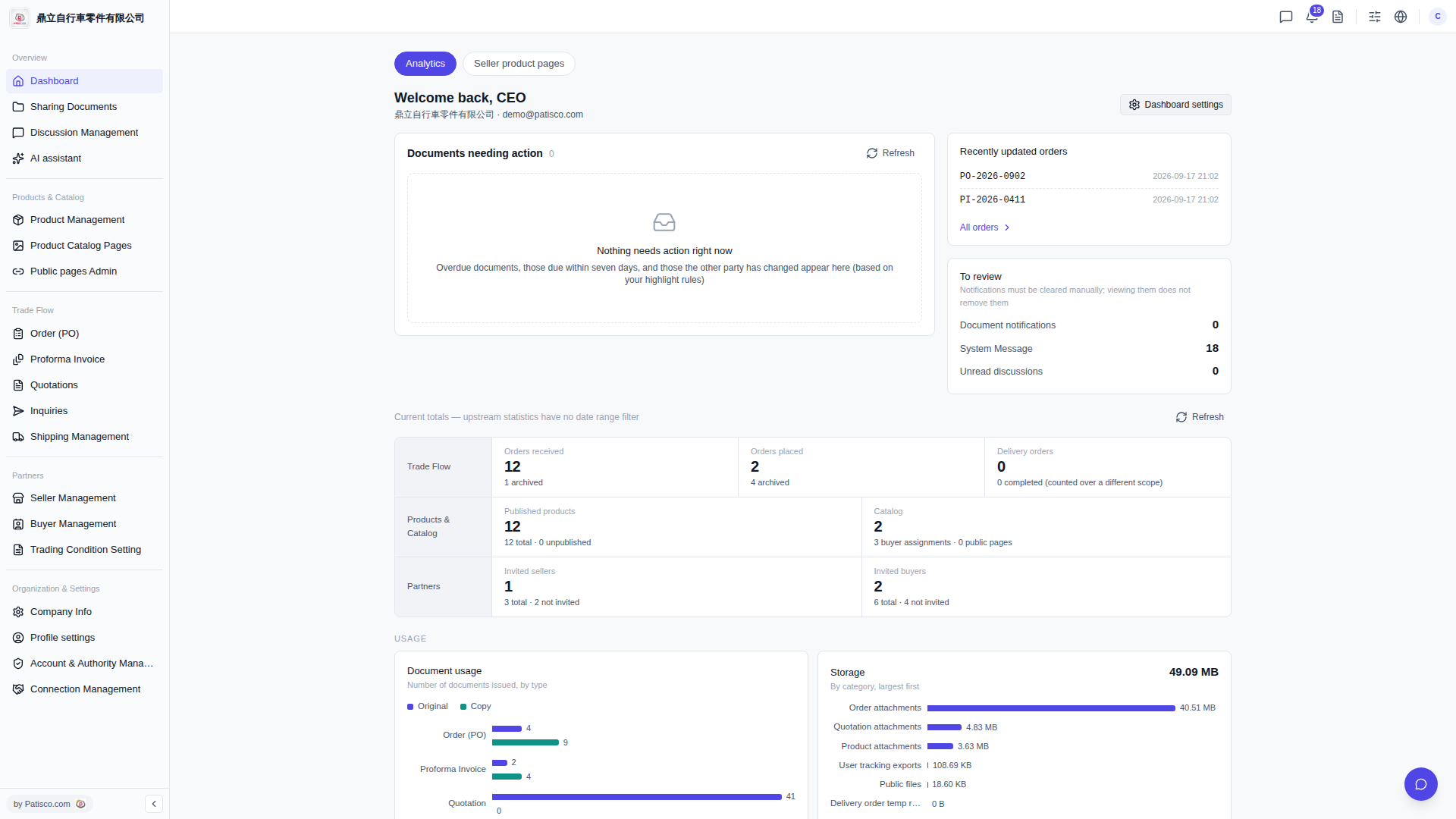
1. On the Dashboard page, scroll down to find the "Current totals" section, which displays overall summary data such as Orders received, Orders placed, Delivery orders, and Published products. 2. If the numbers are not updating in real time, click the "Refresh" button on the right side of the "Current totals" section to reload. 3. If you want to adjust which statistics are displayed, click "Dashboard settings" in the top right corner to customize your personal settings.
 V5 新桌面版|Dashboard(儀表板)