
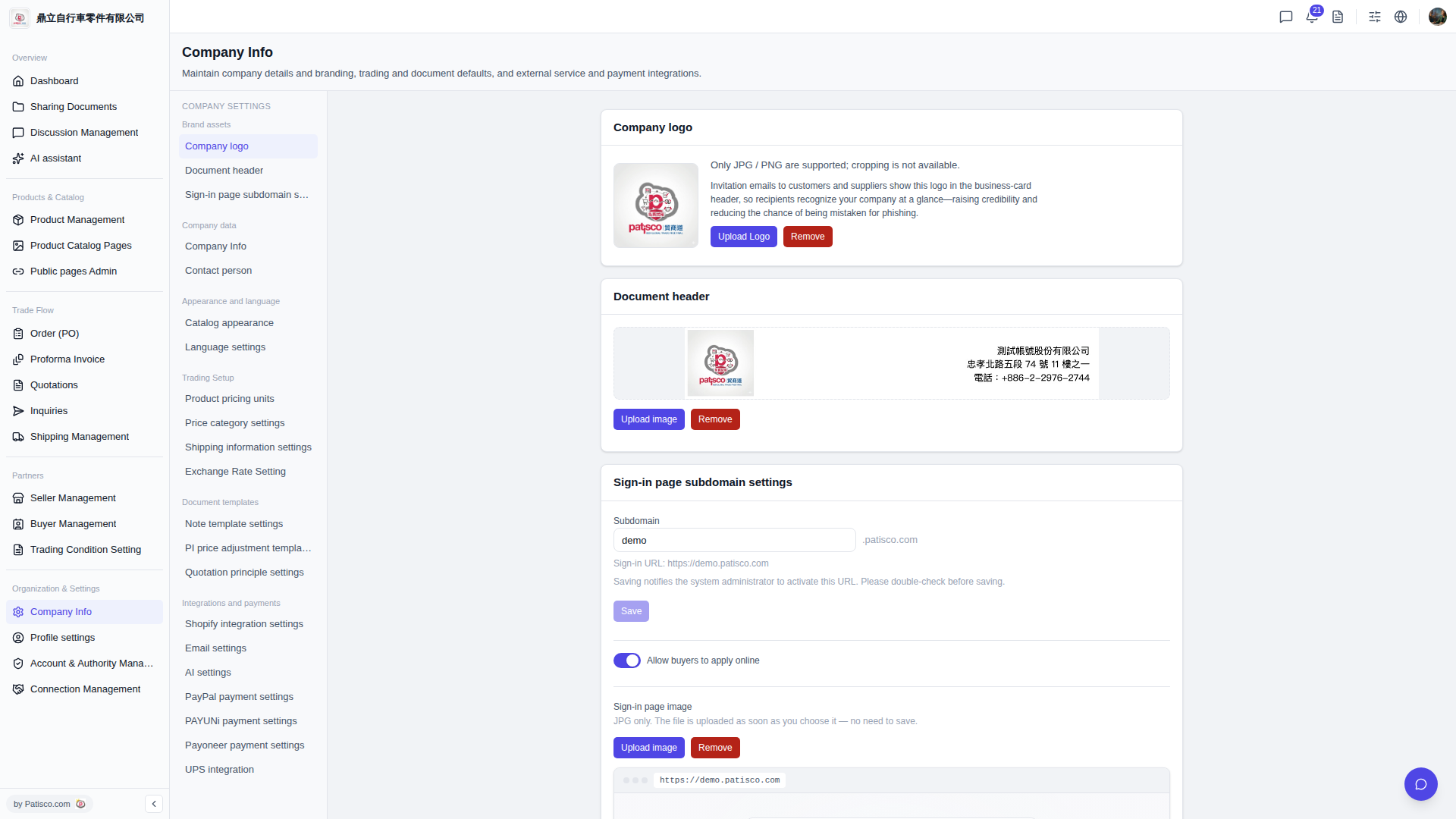
1. After entering the "Company Info" page, click "AI settings" in the left middle panel. 2. Confirm that the "Enabled" toggle is turned on. 3. Select a provider in the "AI provider" field (such as "ChatGPT" or "Claude"). 4. Select a model in the "Model" field (such as "GPT-4o" or "GPT-4o Mini"). 5. Paste your API key in the "API Key" field. 6. After confirming the settings are correct, click "Update settings" to save—the feature will only be enabled when you save, and the provider and model must be submitted together. Modifying only one field will not take effect. 7. To verify that the settings are correct, you can click "Test connection". The system will make one real call to the provider using the saved settings to test the connection. 8. To pause the AI function, click "Disable".
You can ask the AI like this: "Is my GPT-4o connection configured correctly?" The AI will respond like this: "Please click 'Test connection'. The system will send a test call to ChatGPT using the currently saved settings to verify if the API Key and Model combination is valid."
 V5 新桌面版|Company Info