
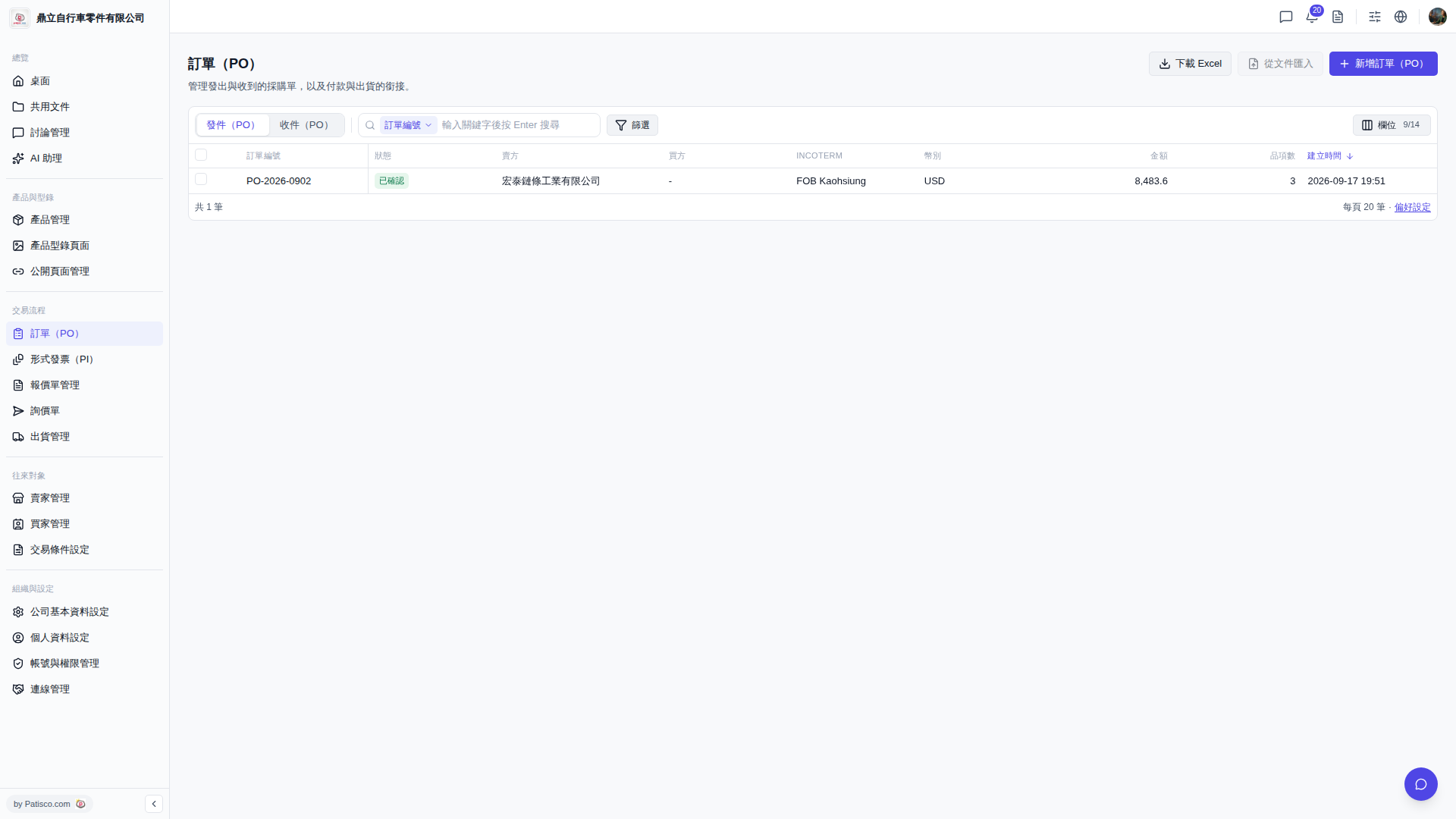
1. Click "Trading Process" in the left sidebar, then select "PO", and you will enter the PO management page. 2. There are two tabs at the top of the page: Click "Sent PO" to view purchase orders you have sent, or click "Received PO" to view purchase orders you have received. 3. To add a new PO, click "+ New PO" in the top right corner, fill in the required information, and save. 4. To search for a specific PO, enter the PO number in the search bar and press Enter, or click "Filter" to set conditions for filtering. 5. Click any PO row in the list to enter the detailed view where you can review or edit that PO.
 V5 新桌面版|訂單(PO)