
Yes, you can. Below the dividing line on the login page, there are two third-party login buttons: 1. Click "Sign in with Google Account" and the system will redirect you to Google OAuth verification. After completion, you will be automatically logged in. 2. Or click "Sign in with Microsoft Account" and the system will redirect you to Microsoft OAuth verification. After completion, you will be automatically logged in.
If you don't have a Patisco account yet, click the "Register now" link at the bottom of the form to proceed with registration. If you forgot your password, click the "Forgot password?" link below the password field to reset it.
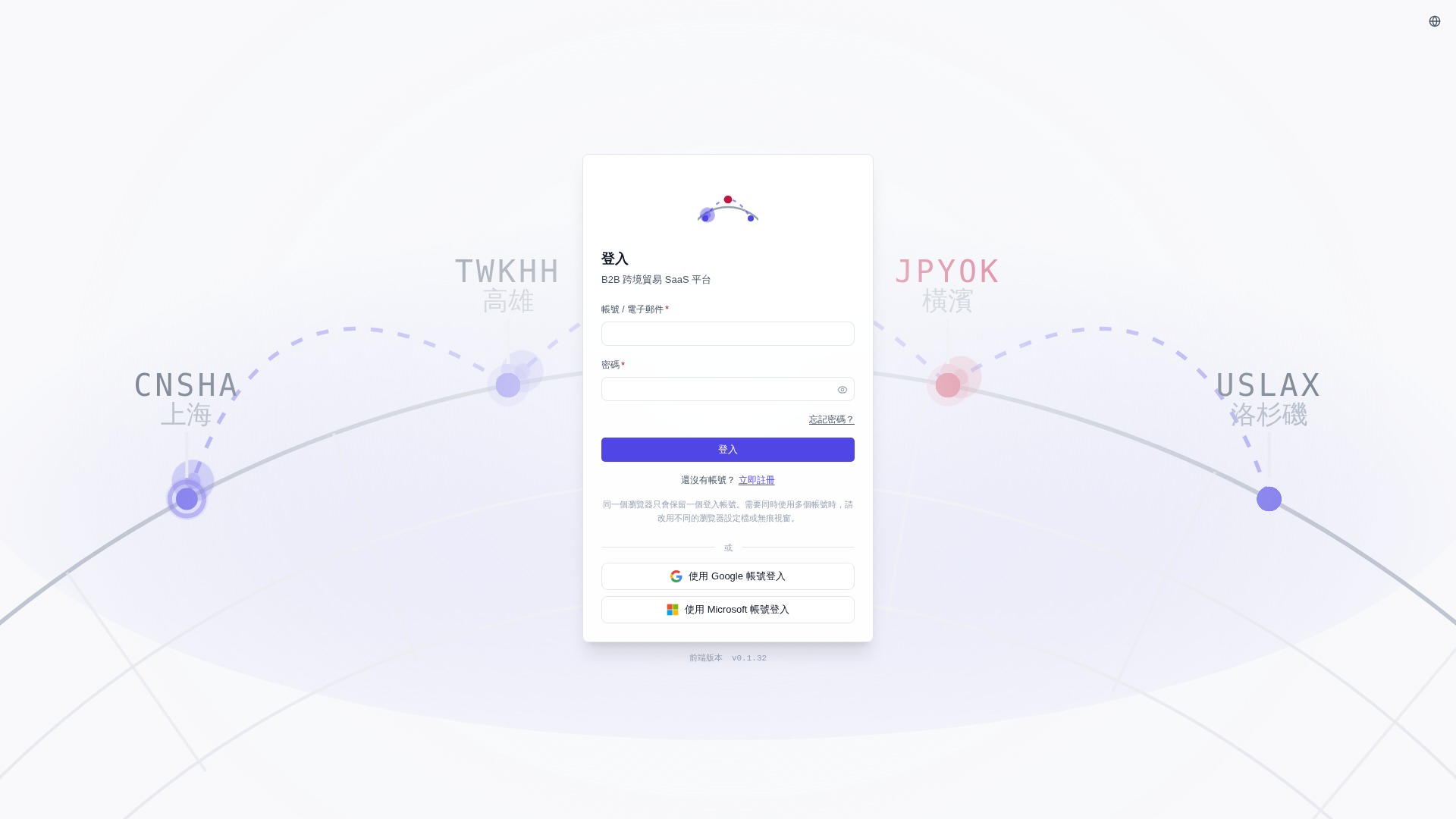 V5 新桌面版|登入