
【Changing login email】 1. In the "USER ACCOUNT INFO" section on the "Personal Info" page, click the pink "Change EMail" button. 2. Enter your new email address and confirm the submission. 3. The system will send a verification email to the new address. Once verified, the new email becomes your official login ID.
【Resetting password】 1. In the same "USER ACCOUNT INFO" section, click the white "Reset Password" button. 2. Enter a new password according to the password rules (6–20 characters, must include at least one letter and one number, limited to letters, numbers, spaces, and underscores). 3. After confirming the submission, the password will be updated.
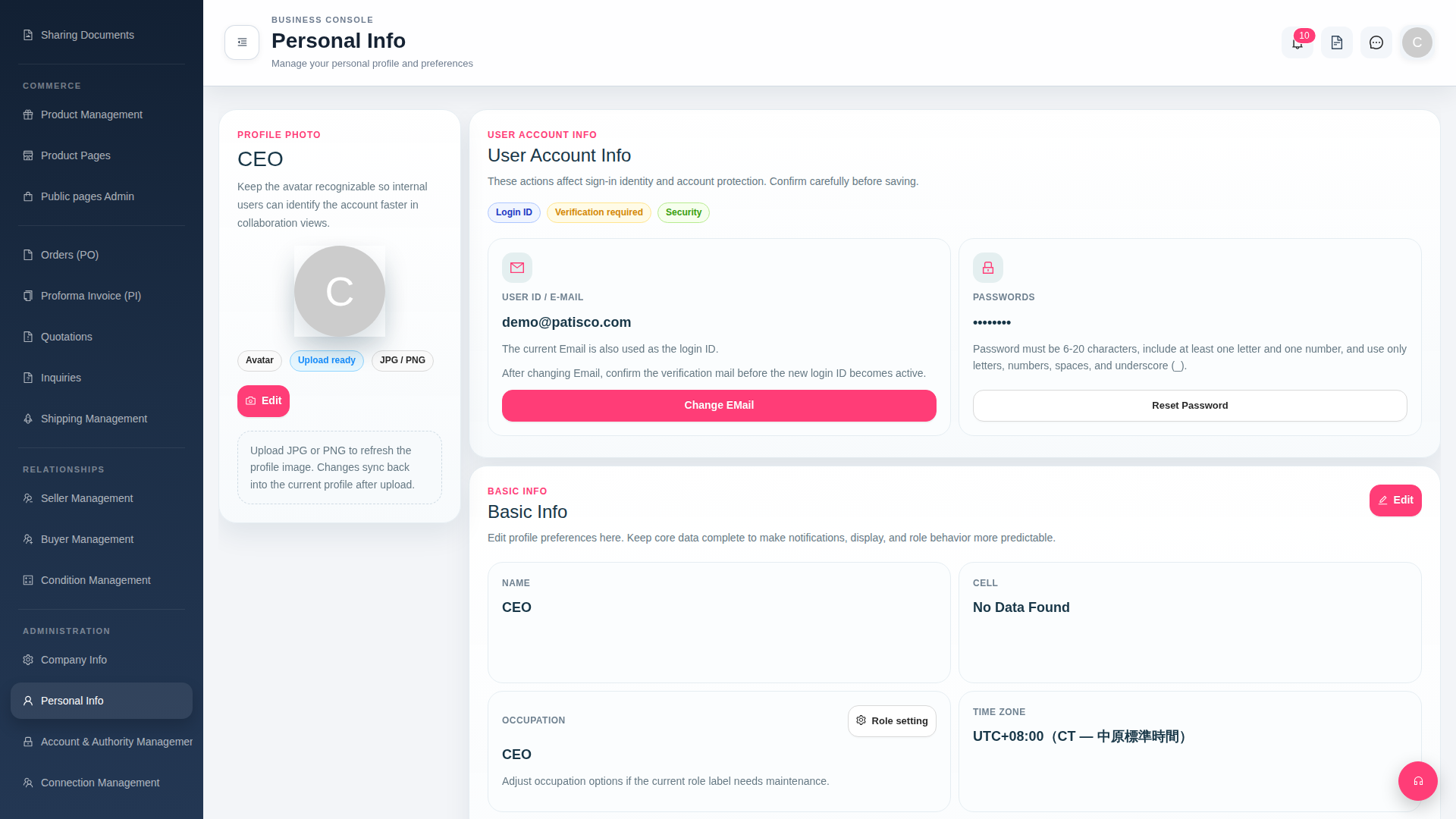 G4 桌面版|Personal Info