
1. Open the mobile app and go to the "Dashboard" page, which will display the "Analytics v1.0" tab content by default. 2. Scroll down to the "Sellers' Product Pages" section to see a list of supplier product pages you've created. 3. Click the arrow on the right side of the supplier card (e.g., "Patisco Full Service") to enter that supplier's product catalog page.
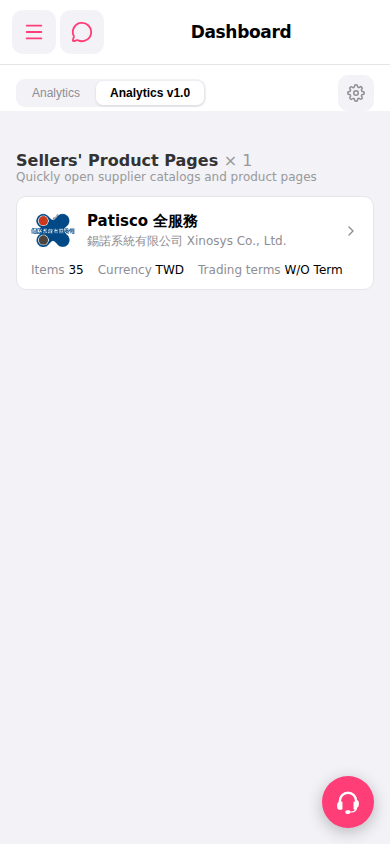 手機版|Dashboard