
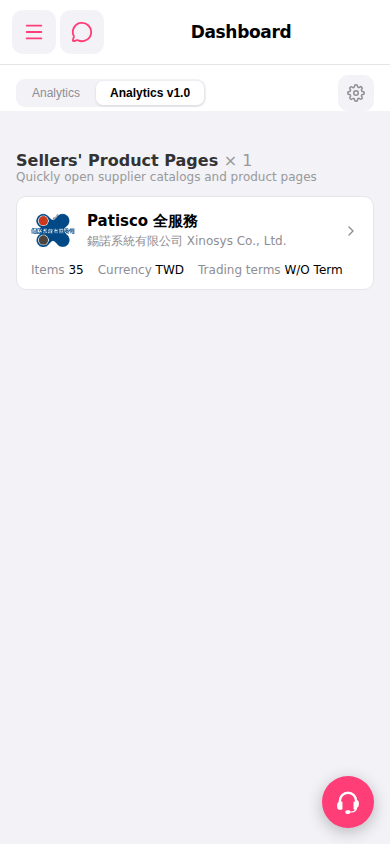
1. Click the "⚙️" icon in the top right to open Dashboard settings and adjust the display configuration. 2. Click the floating "🎧" icon in the bottom right to open customer support and contact a support representative directly. 3. To switch analysis views, click the "Analytics" or "Analytics v1.0" tab in the tab bar at the top of the page.
 手機版|Dashboard