
1. Open the mobile version of Patisco; the homepage is the Dashboard. 2. Scroll down to find the "Sellers' Product Pages" section, which lists the seller product pages that have been created. 3. Click the arrow on the right side of the seller card you want to view (for example, "Patisco Full Service"), and you will enter the detailed page of that seller's product catalog. 4. On the page, you can view information such as Items (product quantity), Currency, and Trading terms.
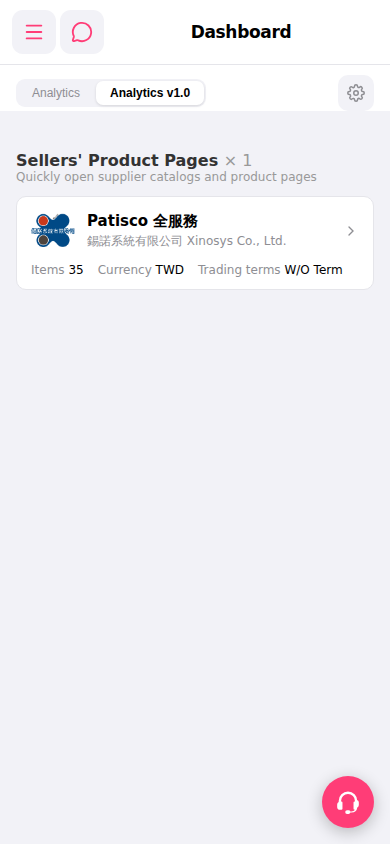 手機版|Dashboard