
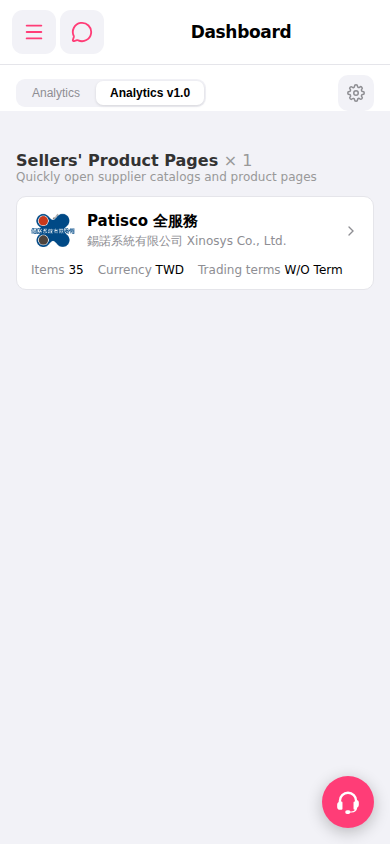
1. After entering the Dashboard, the tab bar at the top of the page defaults to "Analytics v1.0", displaying the new dashboard view. 2. To switch to the older analytics view, click the "Analytics" tab on the left side of the tab bar. 3. The two tabs present different data formats and layouts; you can use whichever one you prefer.
 手機版|Dashboard