
1. Go to the "New AI conversation" page, which will display a blank conversation area. 2. Tap the input box at the bottom of the screen "Ask AI a question..." and type your question or instruction. 3. To attach a file, tap the paperclip icon on the left side of the input box to upload an attachment; to add an image, tap the camera icon next to it to take or upload a photo. 4. After entering your message, tap the paper plane icon on the right side of the input box to send it. 5. After a moment, the AI's response will appear in the conversation area above.
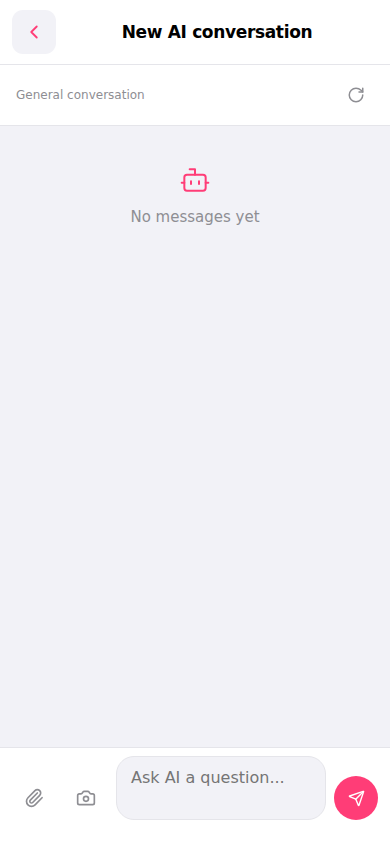 手機版|New AI conversation(新 AI 對話)