
1. To clear the current conversation and start over, tap the refresh icon (↺) at the top right. 2. To attach a relevant file to assist the AI in querying, tap the attachment icon (paperclip) on the left side of the input box to upload the file. 3. To upload an image or take a photo, tap the camera icon on the left side of the input box. 4. After that, tap the paper plane send button at the bottom right to submit.
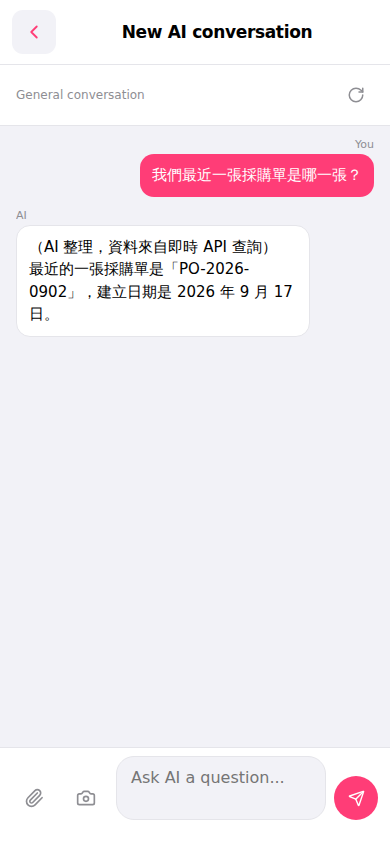 手機版|AI 對話助理