
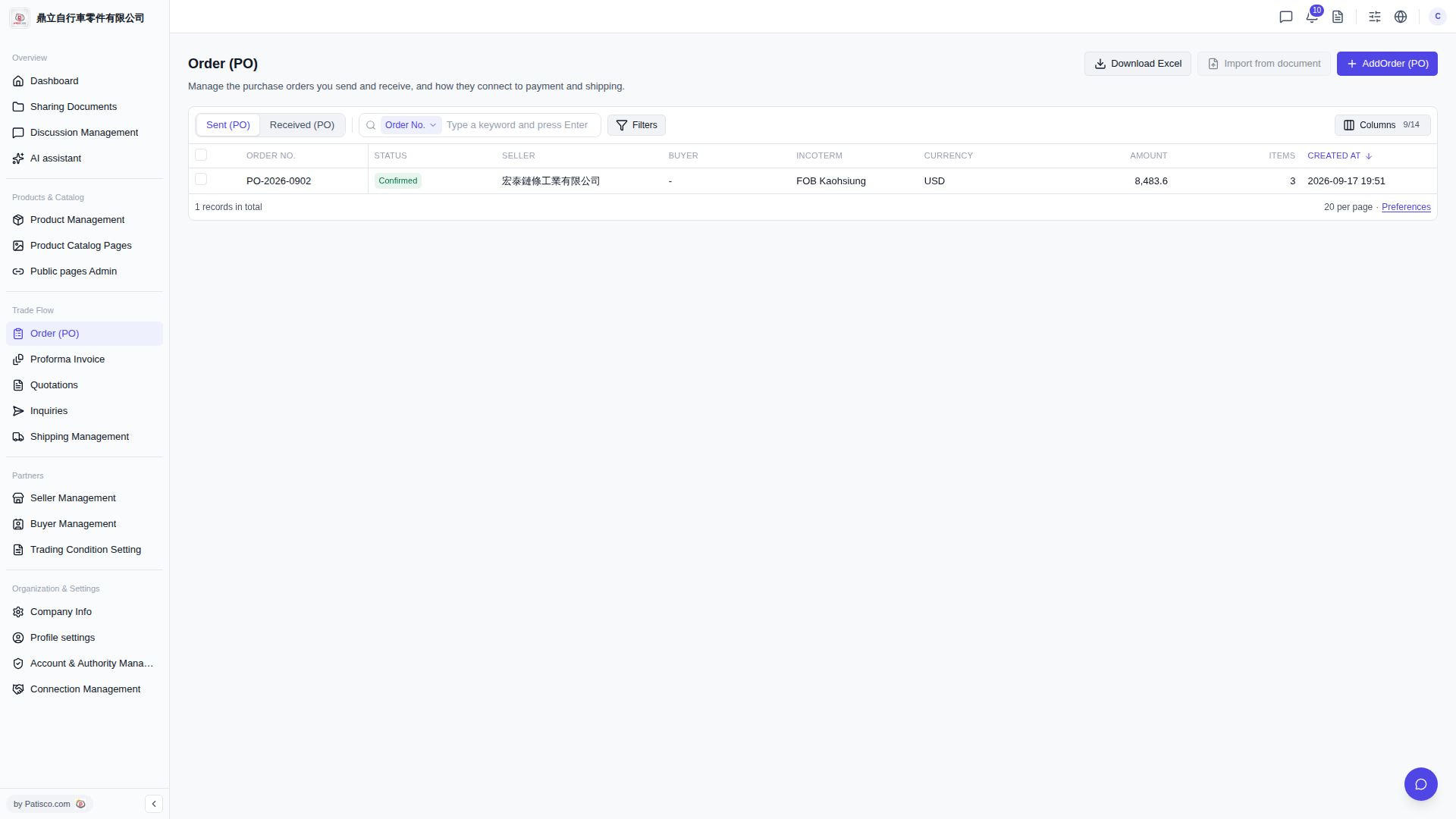
1. Click "Order (PO)" under the "Trade Flow" category in the left sidebar to access the PO list page (page title is Order (PO)). 2. After entering, there are two tabs at the top of the list to switch between: click "Sent (PO)" to view the POs you sent; click "Received (PO)" to view the POs you received. 3. To view the details of a specific order, simply click on that data row in the list.
 V5 新桌面版|Order (PO)