
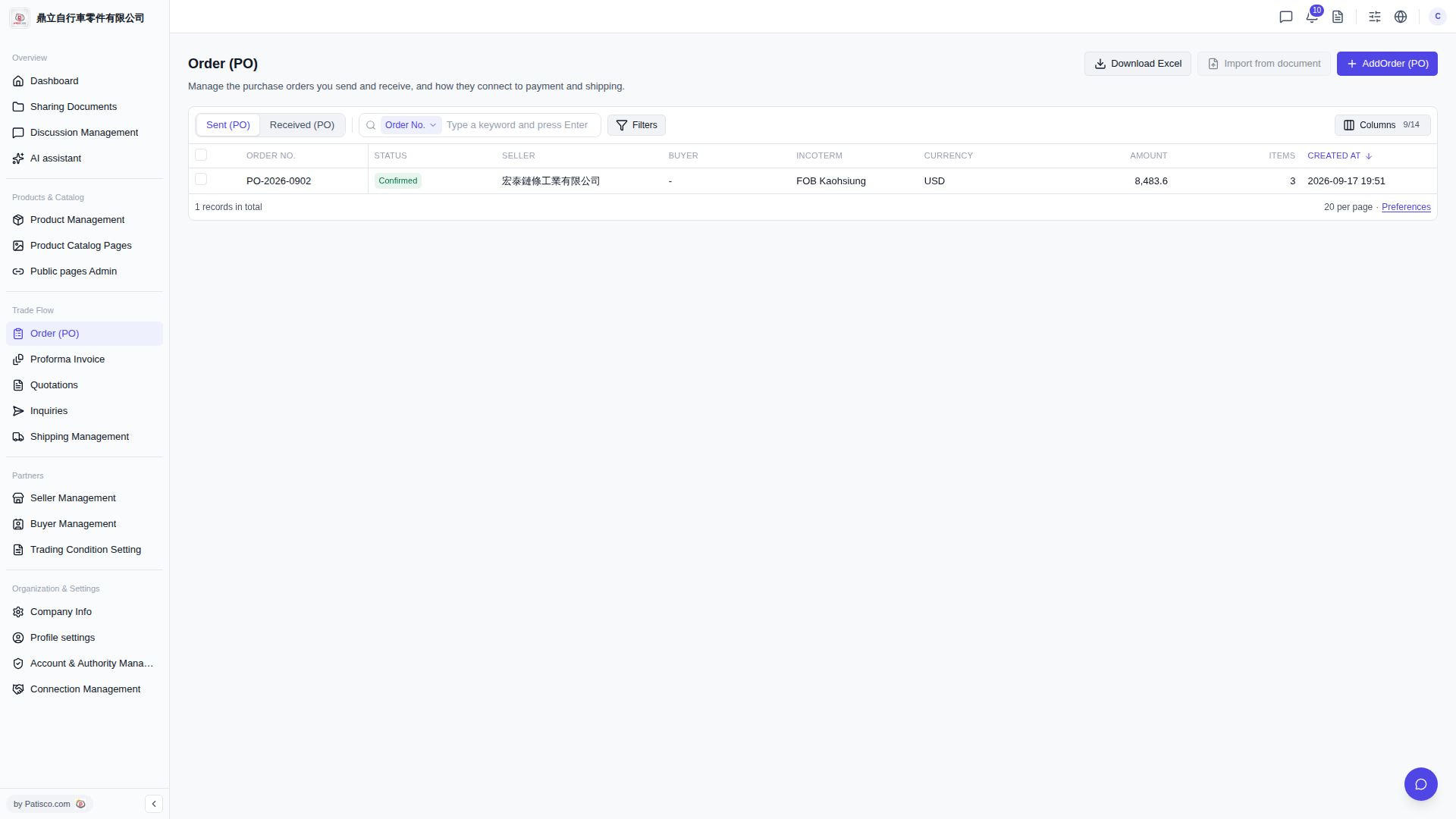
1. Click the dropdown menu on the left side of the search bar and select the search condition type (for example, "Order No."), then enter the keyword in the search field and press Enter. 2. If you need more filter conditions, click the "Filters" button on the right side of the search bar to open the filter settings panel for detailed condition configuration. 3. If you want to adjust which columns are displayed in the list, you can click "Columns 9/14" to select which fields to display; if you want to adjust the number of items displayed per page, you can click "Preferences" to make settings.
 V5 新桌面版|Order (PO)