
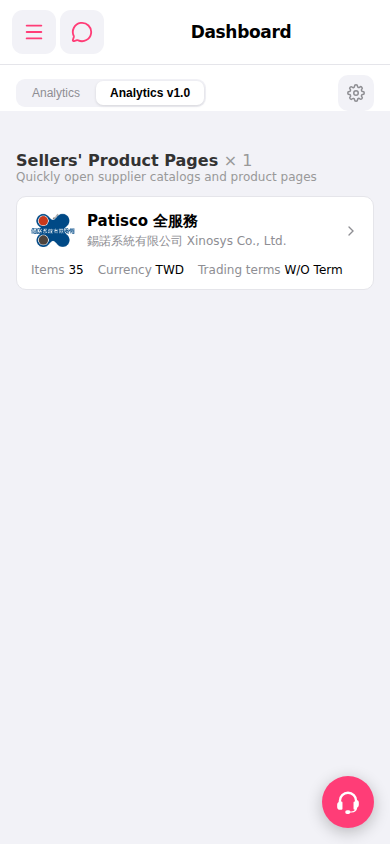
1. Open Patisco on mobile and go to the Dashboard page. 2. Scroll down to find the "Sellers' Product Pages" section, which displays cards for connected suppliers. 3. Click the ">" arrow on the right side of a supplier card (for example, "Patisco Full Service") to directly enter that supplier's product catalog page.
 手機版|Dashboard