
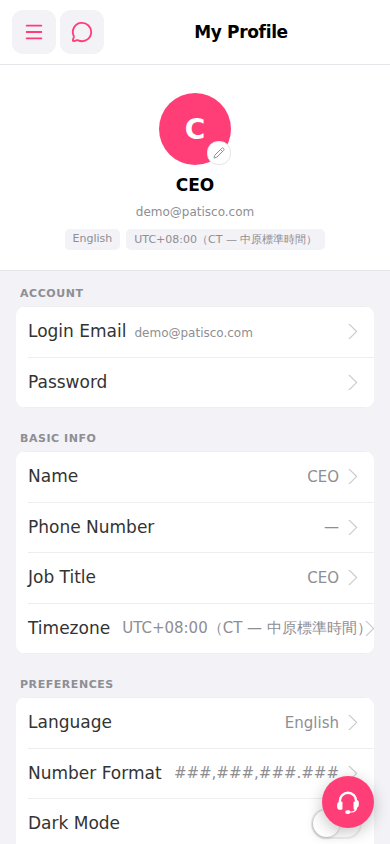
Operate in the PREFERENCES section at the bottom of the My Profile page: 1. Click "Language" and select your preferred interface language, then save. 2. Click "Number Format" and select your preferred number display format, then save. 3. Click the toggle on the right side of "Dark Mode" directly to turn on or off dark mode; no additional save is required.
 手機版|My Profile