
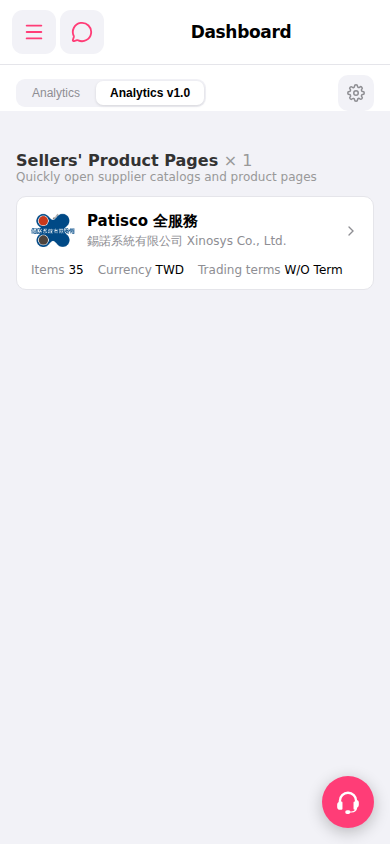
1. At the top of the Dashboard page, there are two tabs: "Analytics" on the left and "Analytics v1.0" on the right ("Analytics v1.0" is enabled by default and displays as selected). 2. Click "Analytics" to switch to the legacy analytics view; click "Analytics v1.0" to switch back to the new view. 3. To adjust the display settings of the analytics dashboard, click the "⚙" settings icon at the top right. 4. To access other feature modules, click the "≡" hamburger menu at the top left to expand the full navigation menu.
 手機版|Dashboard