
1. Open your browser and go to https://v5.patisco.com/login. The login page will be displayed. 2. Enter your registered username or email address in the "Account / Email" field. 3. Enter the corresponding password in the "Password" field (you can click the eye icon on the right side of the field to toggle password visibility). 4. After confirming the information is correct, click the blue "Sign In" button to complete login.
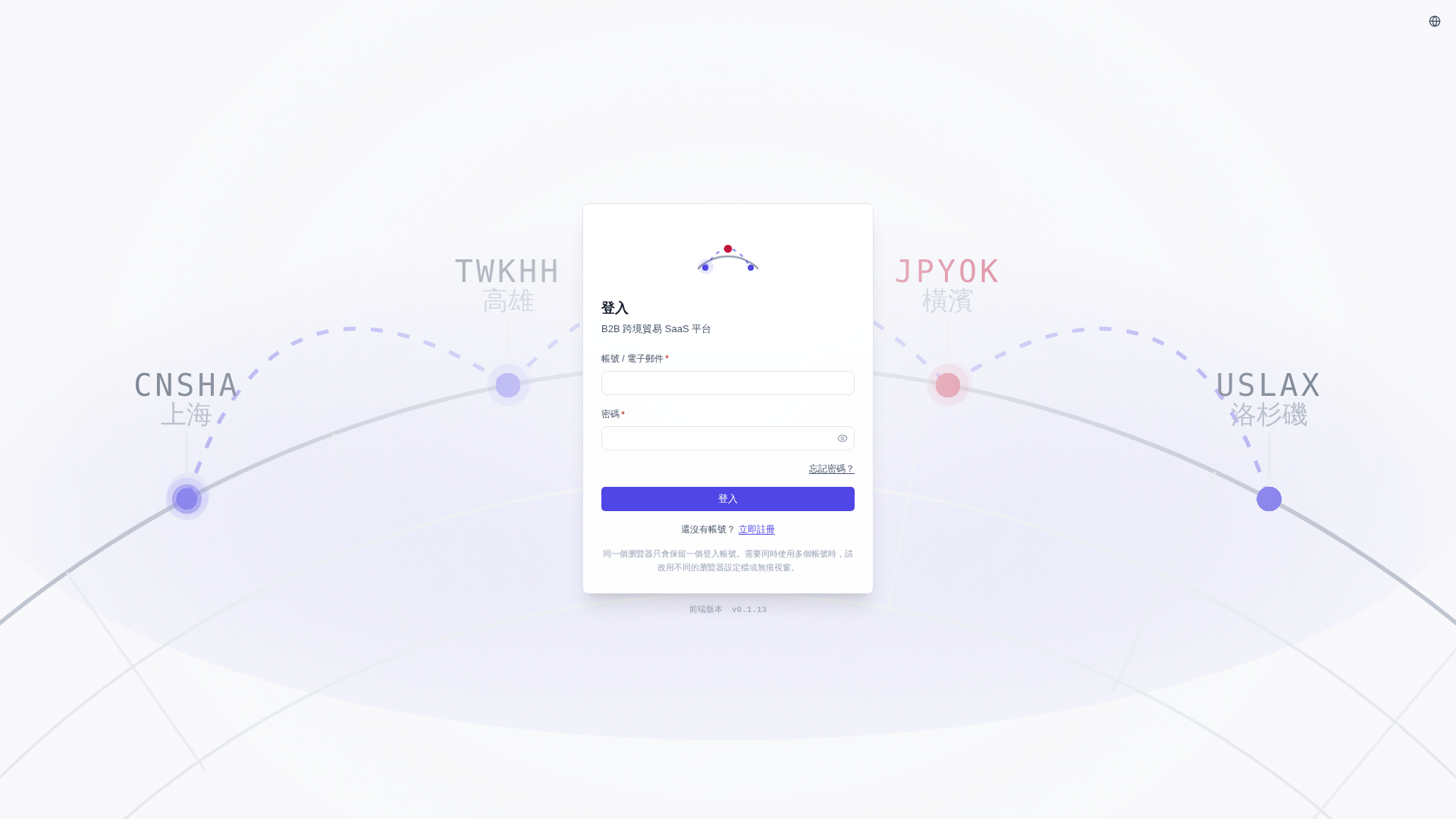 V5 新桌面版|登入