
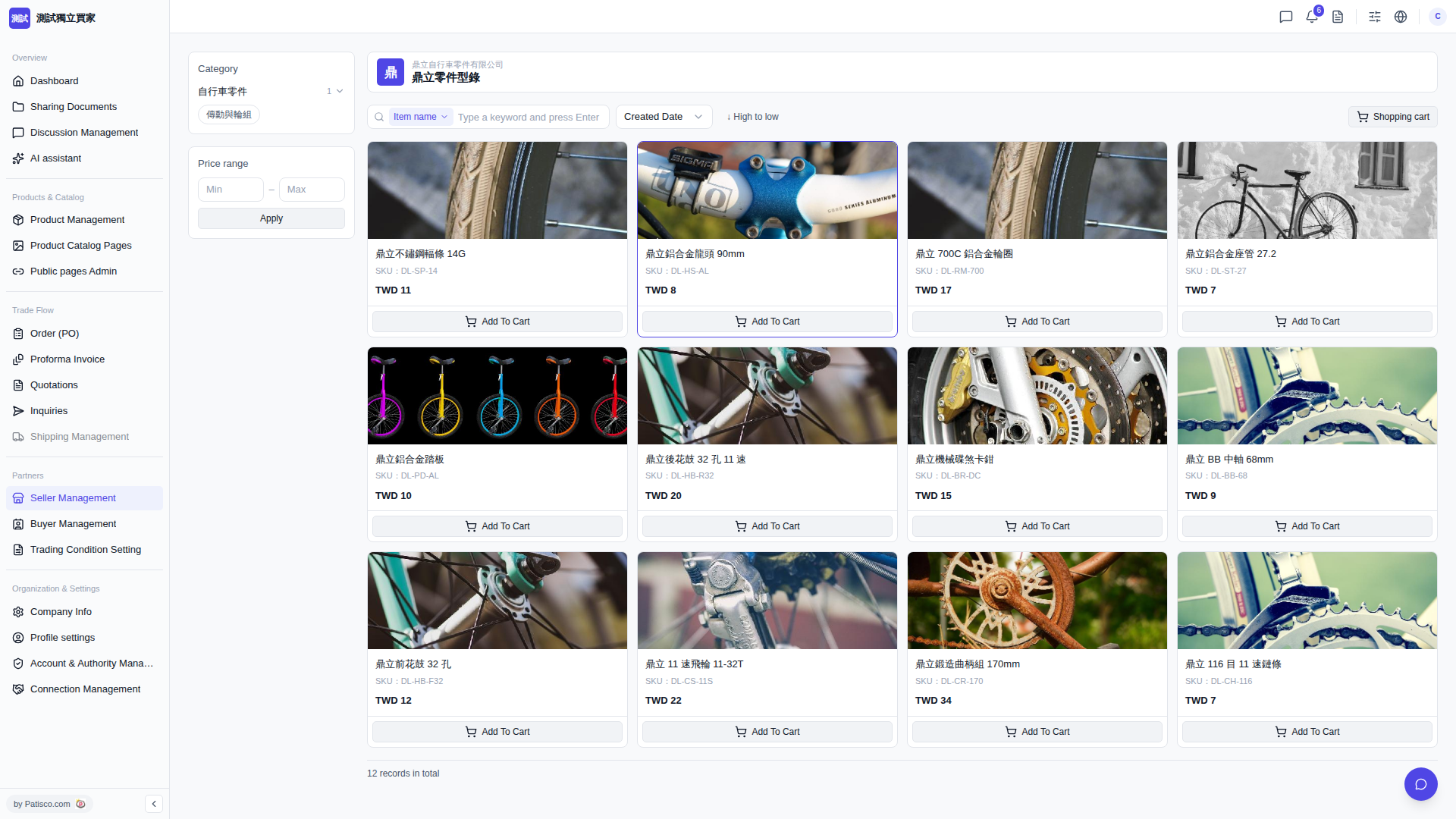
1. At the bottom of the product card, click "Add To Cart" to add the target product to your shopping cart. 2. Click "Shopping cart" in the top right to review the products you've added, and confirm the content before proceeding with the subsequent purchase process.
You can ask the AI assistant like this: "What is the SKU for 'Dingli Stainless Steel Spokes 14G' in the catalog?" The AI might respond: "The SKU for that product is DL-SP-14, with a unit price of TWD 11."
 V5 新桌面版|鼎立零件型錄