
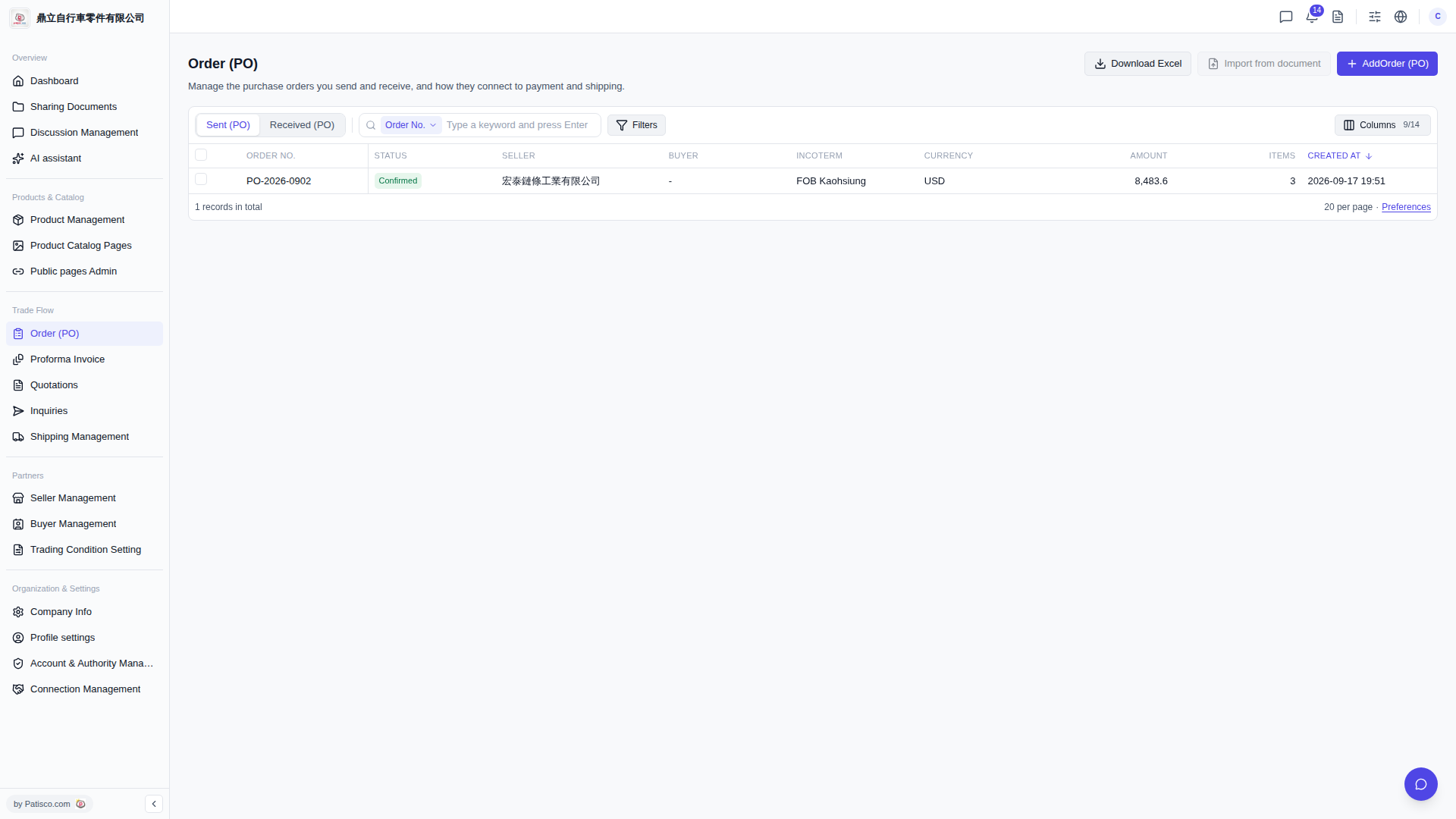
1. Search: In the search bar, select a search type (such as Order No.), enter a keyword, and press Enter. 2. Advanced Filter: Click "Filters" on the right side of the search bar to expand filter conditions and set filter items. 3. Adjust Columns: Click "Columns 9/14" to select which columns you want to display (currently 14 columns are available). 4. Export Data: Click "Download Excel" in the top right corner to download the current list as an Excel file. 5. Add Order: Click the blue "Add Order (PO)" button in the top right corner to create a new purchase order.
 V5 新桌面版|訂單管理 (Order PO)