
Changing your login email: 1. After entering the "Personal Info" page, locate the "User Account Info" section. 2. Click the "Change EMail" button in the center of the section and follow the instructions to enter your new email address. 3. Complete the verification in your new inbox and the email change will be successful.
Resetting your password: 1. In the same "User Account Info" section, click the "Reset Password" button on the right side. 2. Set a new password according to the requirements (6–20 characters, must include both letters and numbers).
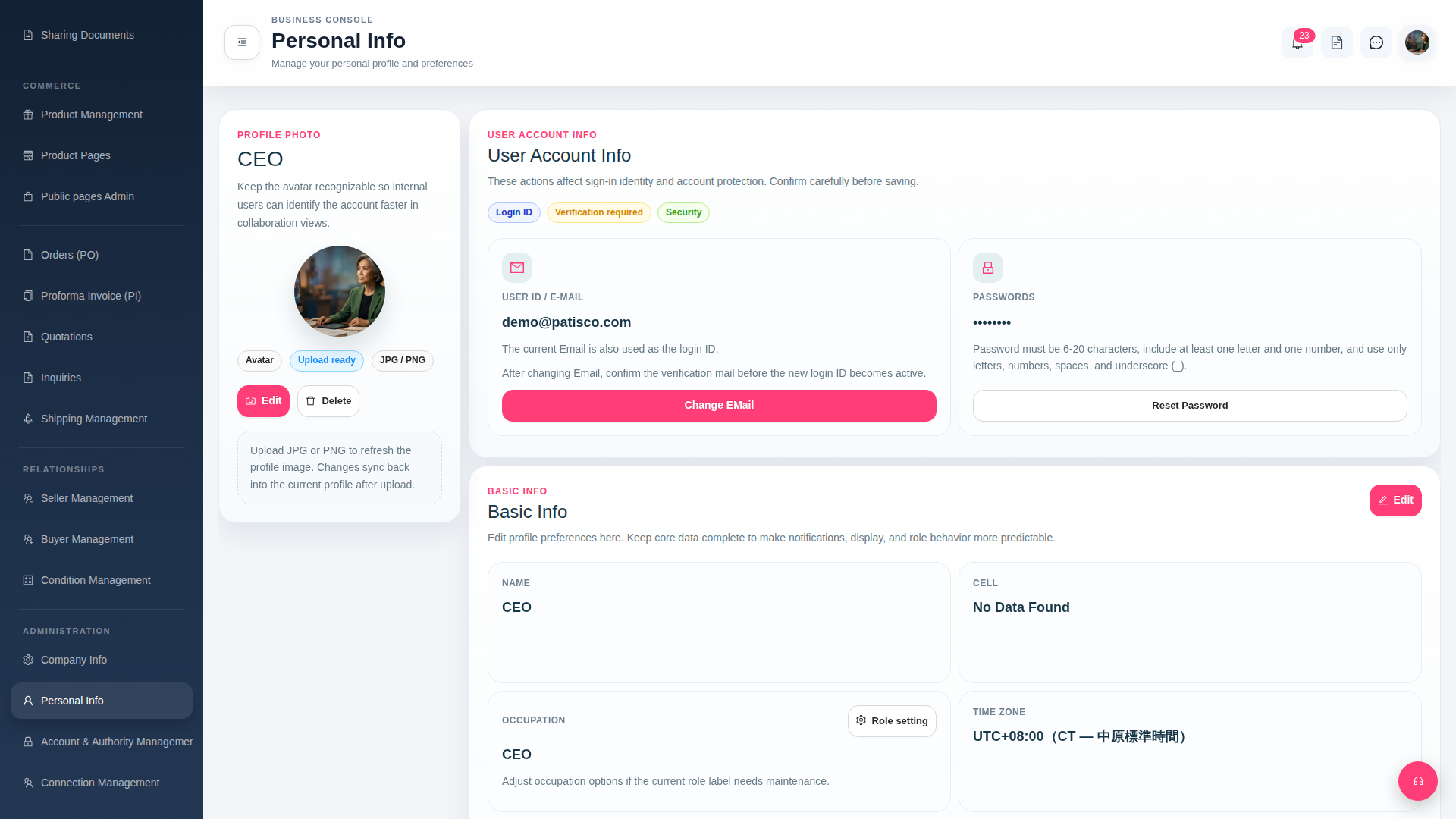 G4 桌面版|Personal Info