
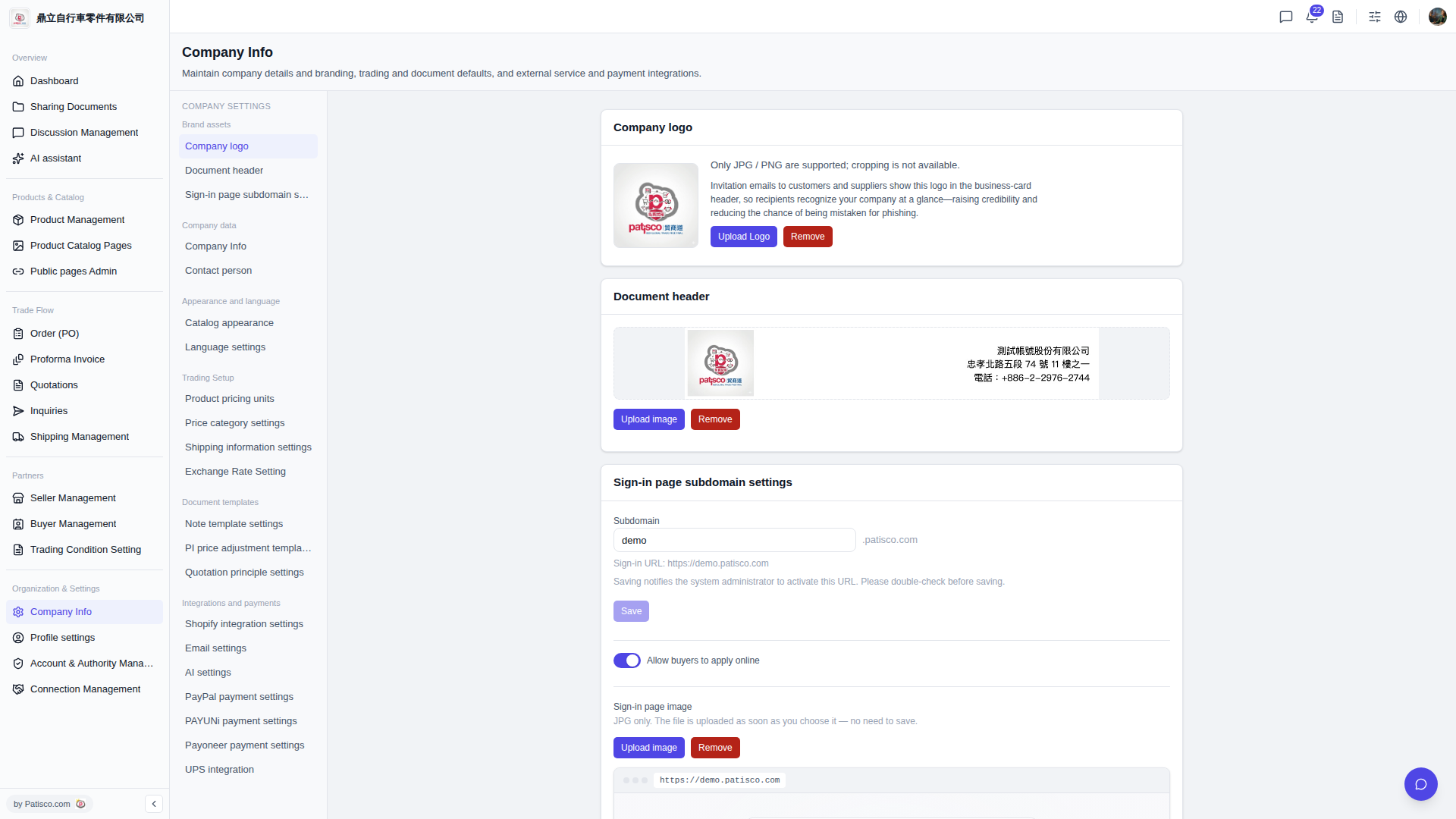
1. After logging into the V5 new desktop version, go to the "Company Basic Settings" page (the URL bar will show /company-basic#ups-setting). 2. Find the "UPS Authorization" section. Currently, the status will display "Not Connected". 3. Click the link or authorization button and follow the on-screen instructions to complete the UPS account binding.
You can ask the AI assistant like this: "UPS authorization shows not connected. How do I complete the setup?" The AI will respond: The AI will guide you to the UPS authorization section and explain that after clicking the link button you need to enter your UPS account credentials to complete the authorization binding.
 V5 新桌面版|ups.setting