
1. Click the "Columns 6/10" button in the toolbar at the top right of the list to customize which fields and how many you want to display in the list. 2. To export quotation data, click the "Download Excel" button at the top right. The system will download the current list data as an Excel file. 3. If you need to adjust preferences such as the number of items displayed per page, click "Preferences" at the bottom right of the list to make adjustments. 4. To add a new quotation, click the "+ Add quotation" button at the top right to enter the creation form.
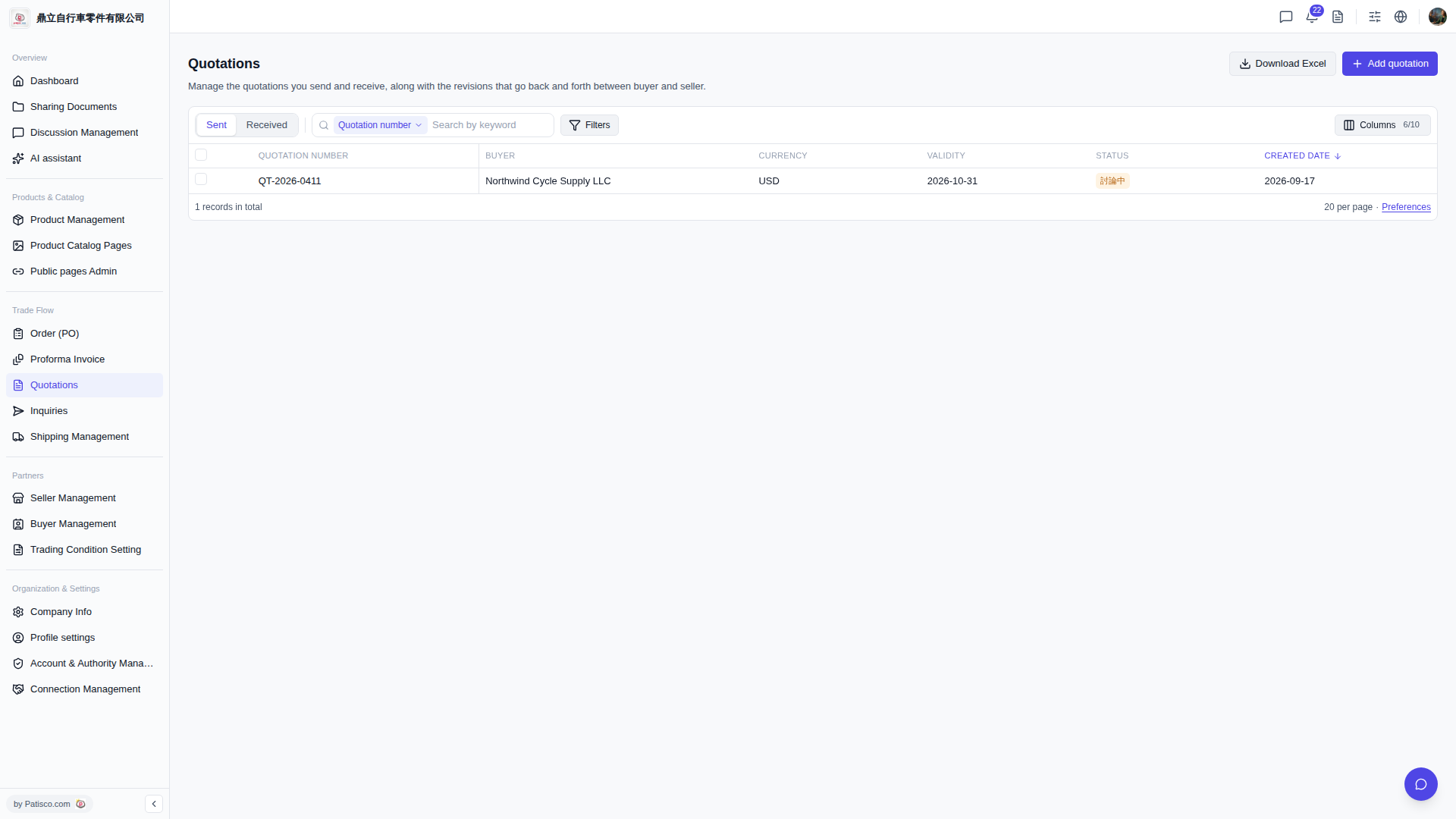 V5 新桌面版|Quotations(報價單管理)