
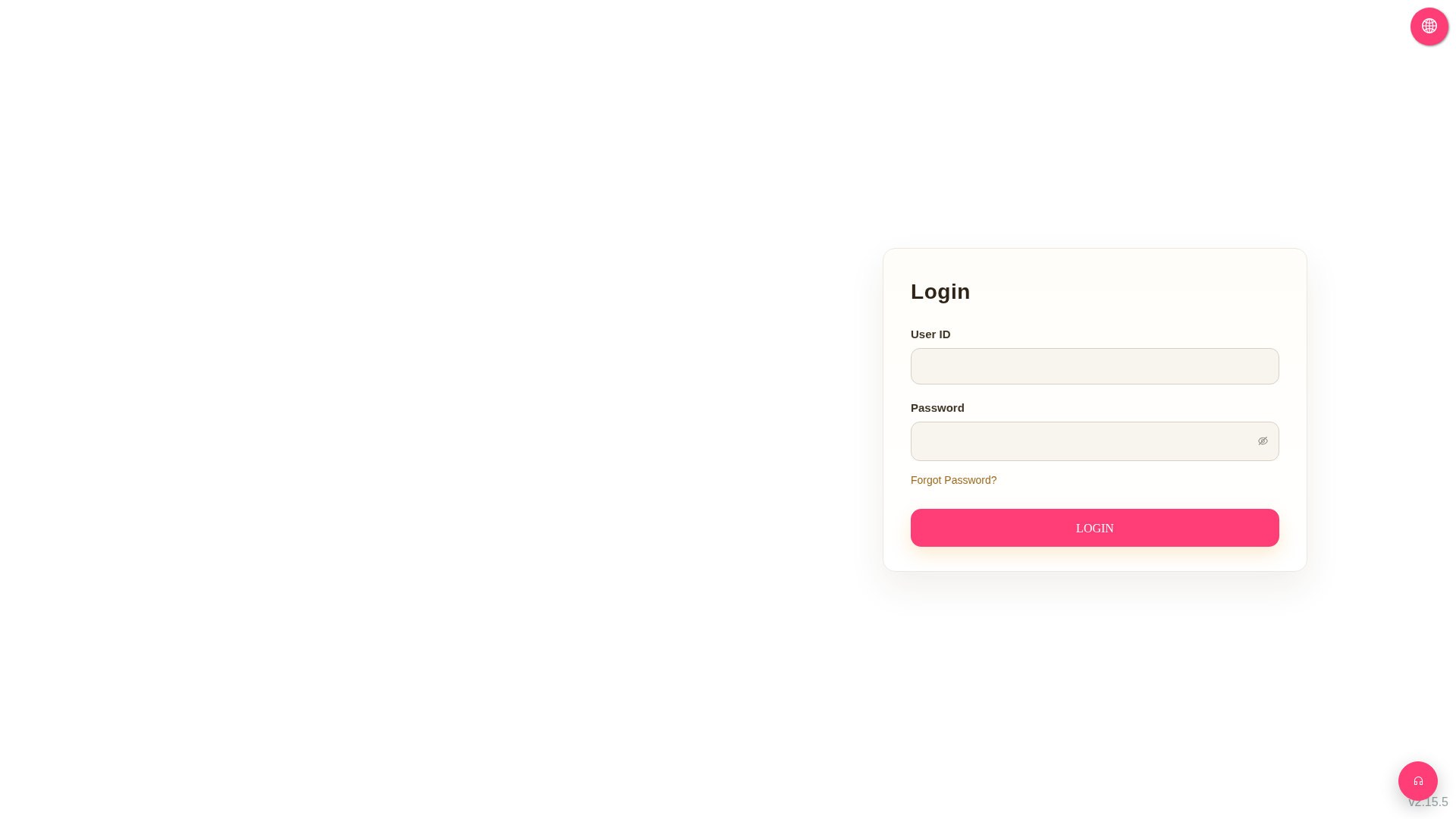
Forgot Password: On the Login page, click the "Forgot Password?" link below the password field and follow the on-screen instructions to complete the password reset process.
Switch Language: Click the globe icon in the top right corner of the page to switch the system interface language.
For further assistance, you can also click the headphone icon in the bottom right corner to open customer service or support contact channels.
 G4 桌面版|Login