
On the My Profile page, follow these steps to change your avatar: 1. Locate your profile picture at the top of the page. 2. Tap the pencil icon in the bottom right corner of the avatar. 3. Select a new photo from your phone's gallery or camera and upload it to complete the change.
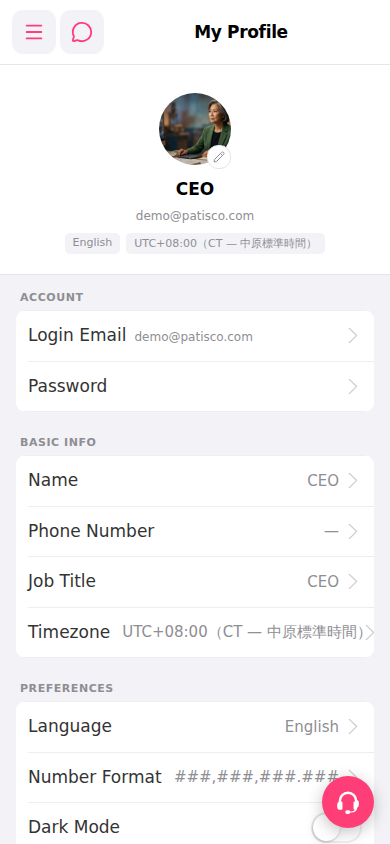 手機版|My Profile