
After entering the mobile Dashboard, here are the main ways to operate: 1. Click the "☰ Menu" in the top left to open the left navigation menu and switch to other feature pages. 2. Click the "💬 Message" (to the right of the menu) to view messages or notifications. 3. Click the "⚙️ Settings" in the top right to adjust the display settings for Analytics blocks. 4. Use the tab bar to switch between "Analytics" and "Analytics v1.0" analysis versions; currently "Analytics v1.0" is displayed by default. 5. When you need customer service assistance, click the "🎧 Support" floating button in the bottom right to open the online customer service chat.
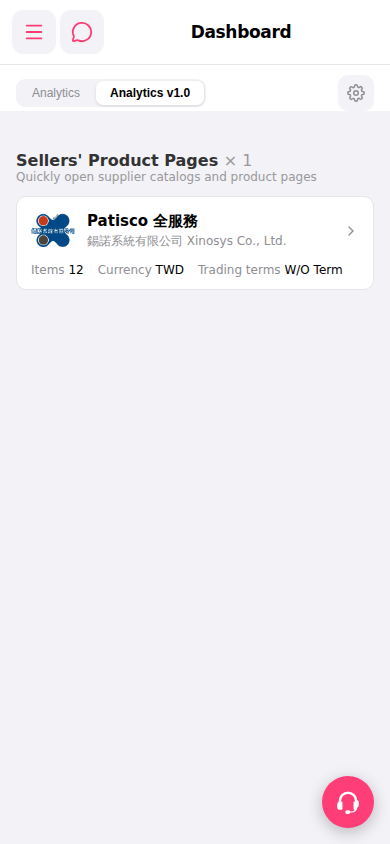 手機版|Dashboard