
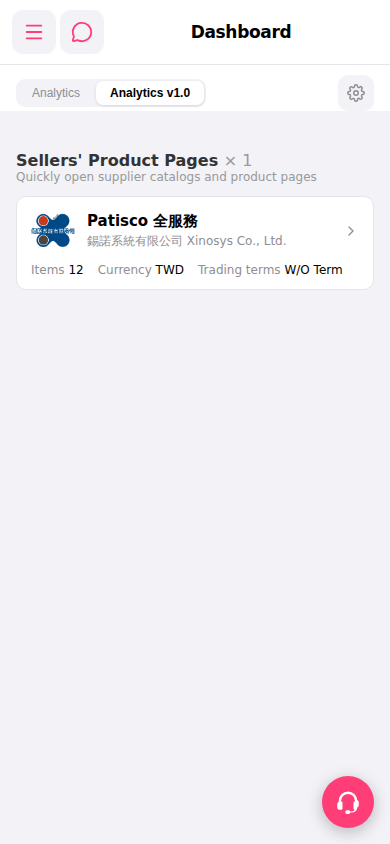
1. Switch tabs: Click the "Analytics" or "Analytics v1.0" tabs at the top of the page to switch between different dashboard views. 2. Adjust settings: Click the "⚙️" gear icon in the upper right corner to open dashboard settings. 3. Go to other features: Click the "≡" hamburger menu in the upper left corner, expand the sidebar, and select the feature module you need.
[AI Assistant Reference] You can ask: "How many supplier product catalogs are on the Sellers' Product Pages in the Dashboard?" AI will respond: Currently there is 1 seller product catalog displayed on the dashboard (seller catalogs on dashboard: 1).
 手機版|Dashboard