
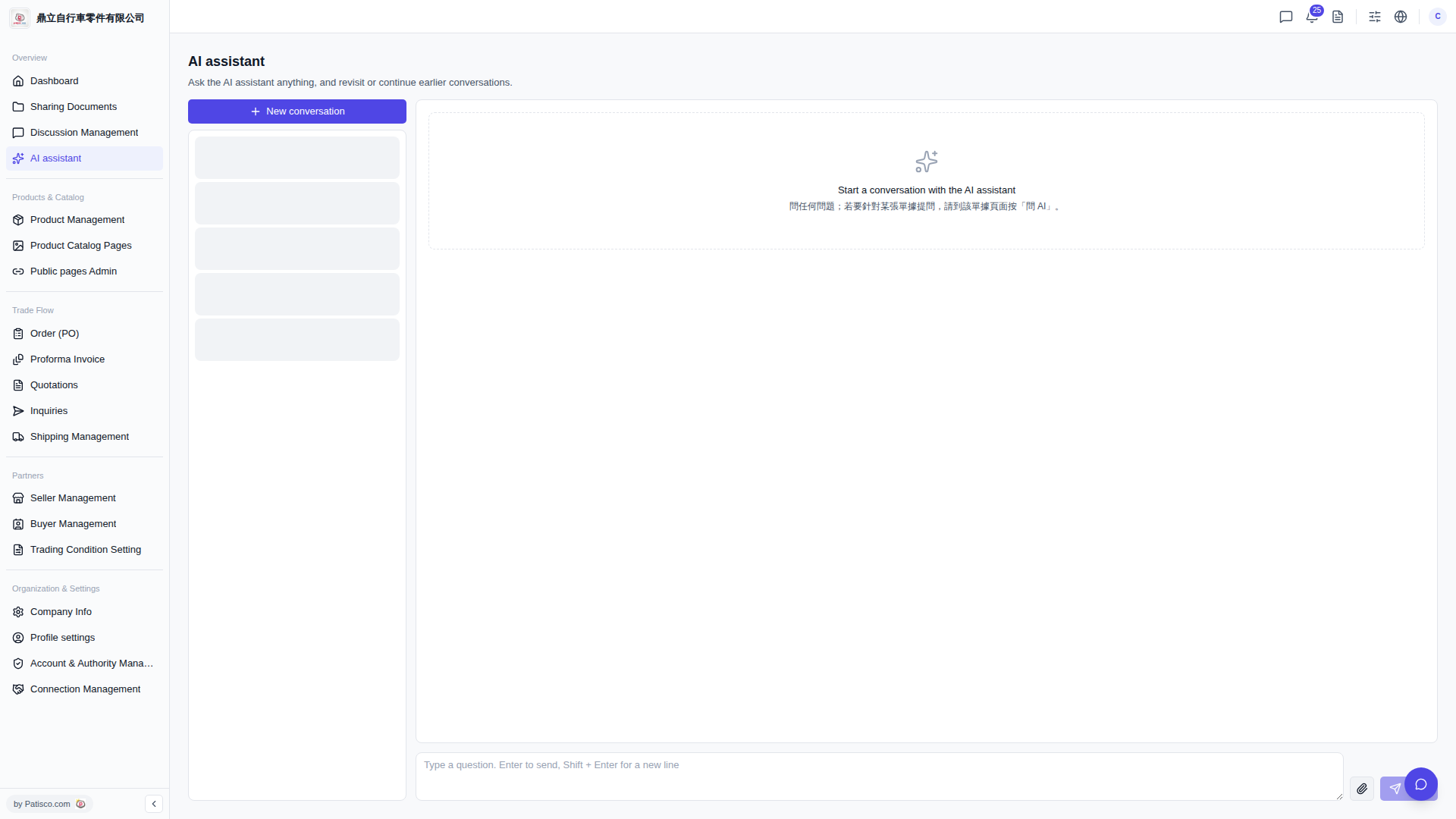
1. On the "AI assistant" page, create or open a conversation session. 2. Find the paperclip icon (file attachment upload button) on the right side of the message input box and click it. 3. Select the attachment file you want to upload from your computer. After upload, the AI can reference the file contents to answer your questions. 4. After the file upload is complete, type your question in the input box, press "Enter", or click the paper plane icon on the far right to send.
Quick tip: If you have a contextual question on a feature page, you can also click the "Ask AI" button directly on that page. The system will automatically include the page context, so you don't need to manually switch to the AI assistant page.
 V5 新桌面版|AI assistant