
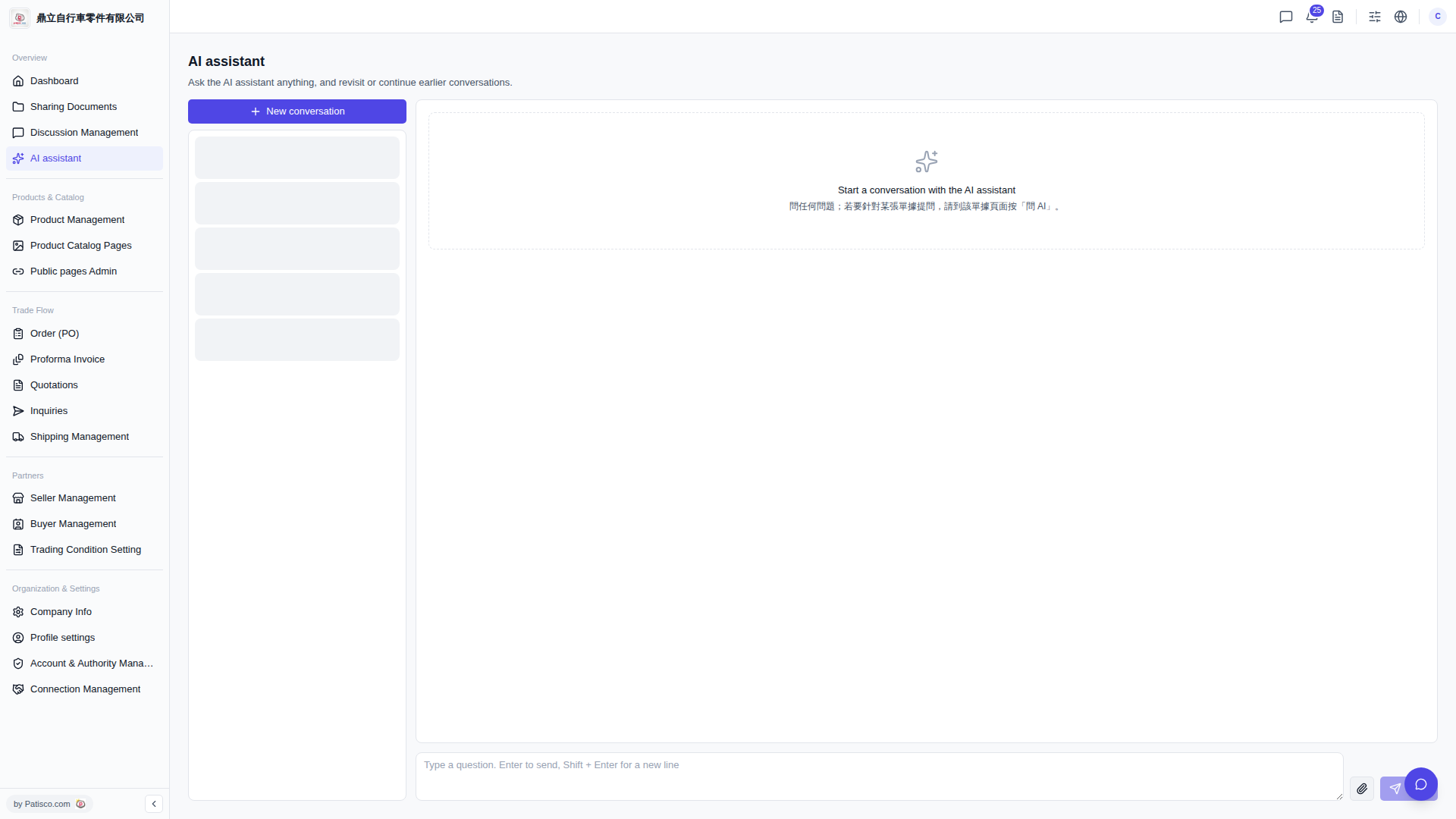
1. Go to the V5 desktop version in your browser and click the "AI assistant" page (URL: v5.patisco.com/ai-assist). 2. Click the "+ New conversation" button at the top of the conversation list on the left to start a new Q&A session. 3. In the message input box at the bottom right of the page (placeholder text: "Type a question. Enter to send, Shift + Enter for a new line"), type your question. 4. Press "Enter" to send. If you need a line break, press "Shift + Enter" instead.
 V5 新桌面版|AI assistant