
1. After logging in, click "AI assistant" in the left menu to open the AI assistant page. 2. Click "+ New conversation" at the top of the conversation list on the left to open a new conversation window. 3. Enter your question in the question input box at the bottom of the screen. 4. Press Enter or click the send button (paper plane icon) on the right side of the input box to submit your question. 5. After the AI responds, you can view any AI-generated related files in the "AI-generated files (0)" section below the conversation area.
Quick tip: To create a new line without sending, press Shift + Enter.
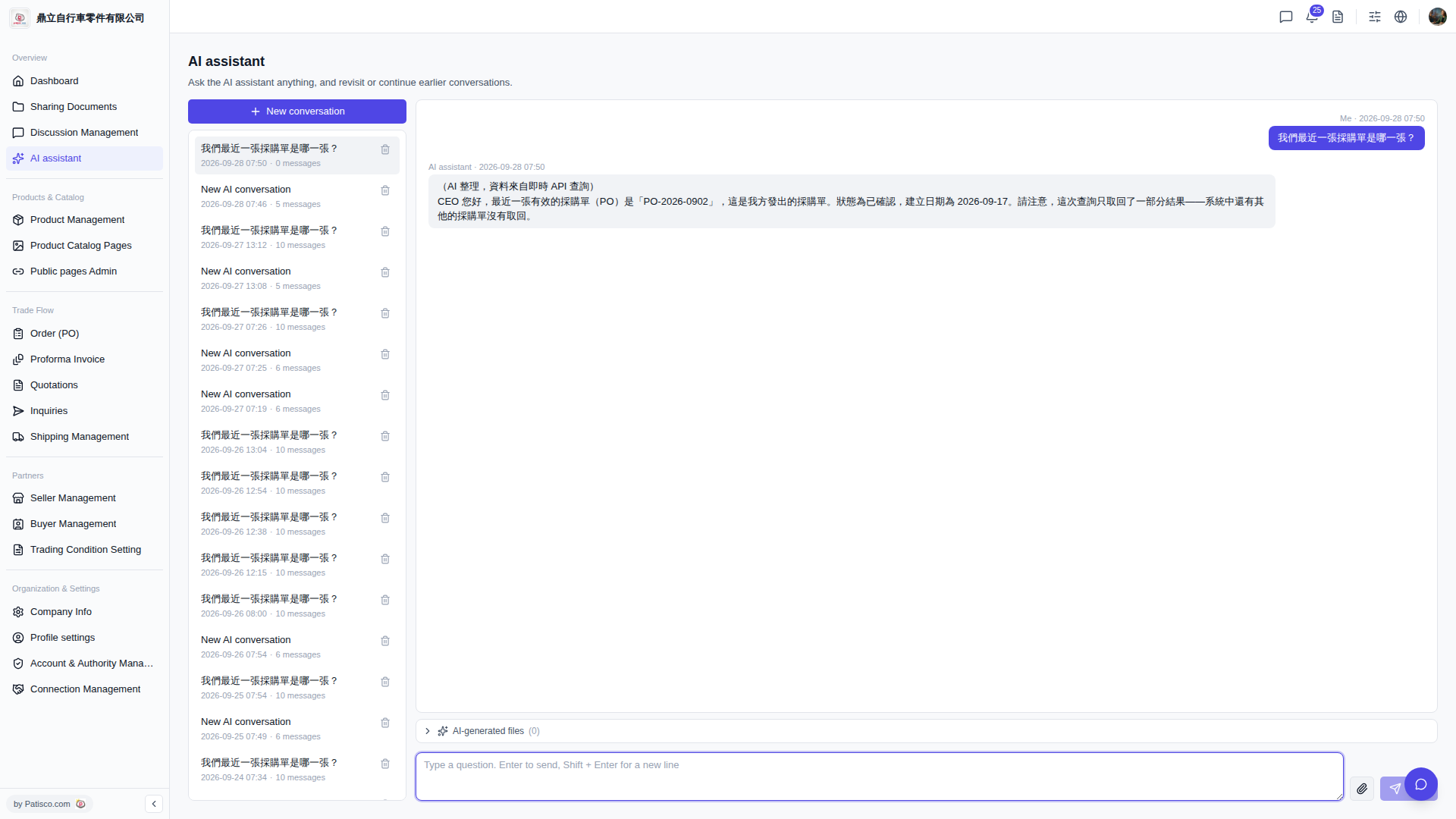 V5 新桌面版|AI assistant