
1. Click any conversation record in the left "Conversation History" list to switch back to that session and continue viewing or asking questions. 2. To start a new conversation, click "+ New conversation" at the top of the list. 3. To delete a specific conversation, hover the cursor over that record and click the "Delete (trash icon)" on the right to remove it. 4. If the AI has generated any files, you can click "AI-generated files (0)" at the bottom of the conversation area to expand and view them, then click the "Download icon" to download the files you need.
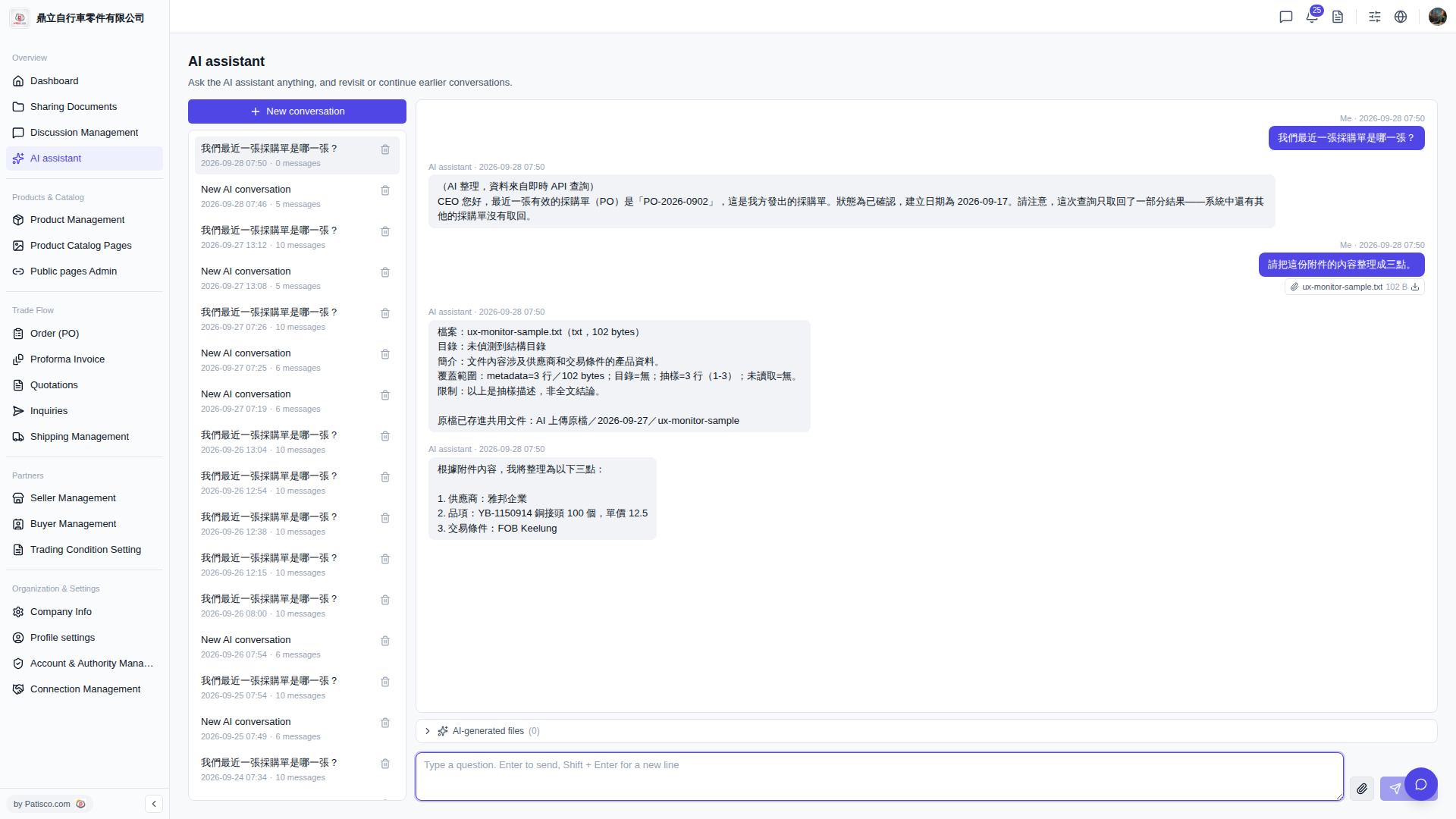 V5 新桌面版|AI assistant