
1. Find the target product in the product catalog list (you can see the SKU, product name, price, inventory, and other information). 2. Click the shopping cart icon (🛒) on the far right of that row, and the product will be added to your cart. 3. Click the "Shopping Cart" icon in the top-right corner to view all products in your cart and proceed with the subsequent purchase process.
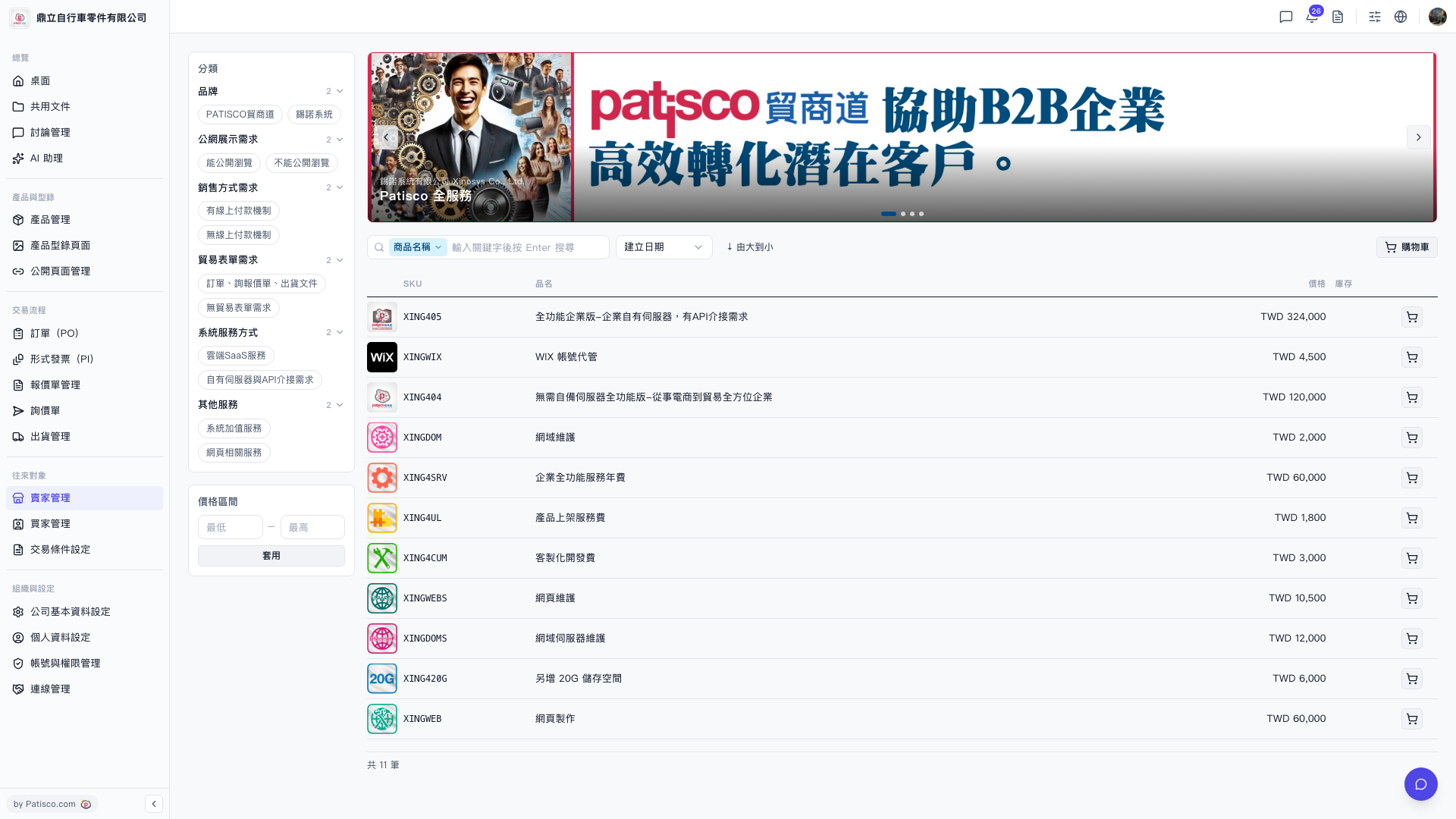 V5 新桌面版|貿家管理 - 商品目錄(Catalog)