
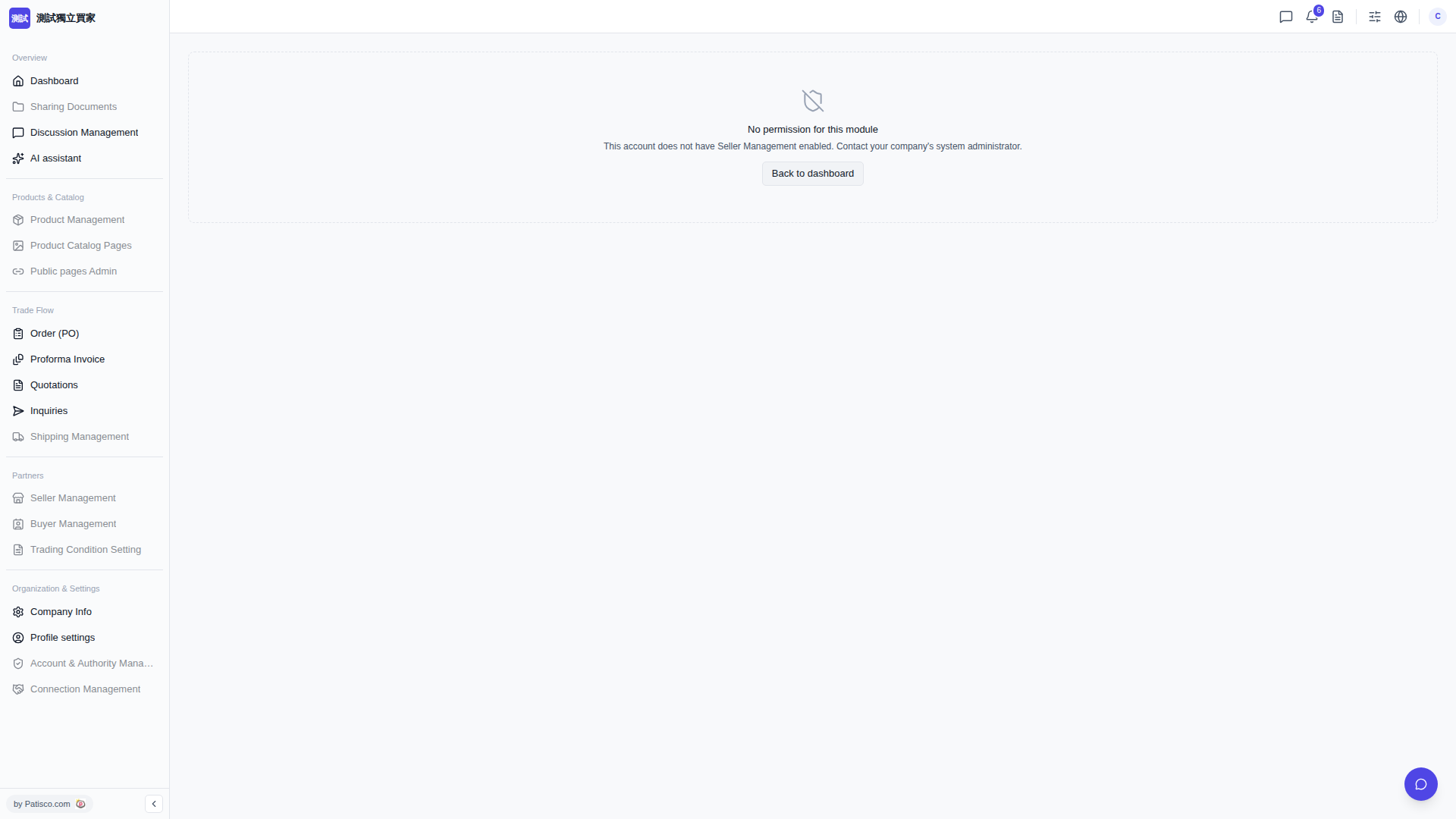
Clicking a supplier's catalog from the [Seller Product Page] does not require [Seller Management] permission. After the system update on 2026-09-30, there was a period when buyer accounts without [Seller Management] enabled would be incorrectly blocked from viewing catalogs, displaying "No permission for this module" on the entire page. This was a system issue that has been fixed as of 2026-10-01.
If you still see this message: 1. Refresh the page (or log out and log back in) to load the new version in your browser. 2. From the [Seller Product Page] tab at the top of the [Dashboard], click the supplier's catalog card again.
If it persists after the fix, please tell Patisco customer support where you clicked and the URL from your address bar.
Also, note the distinction: [Seller Management] in the sidebar (for maintaining your supplier list and supplier information) requires [Seller Management] permission, which your company's system administrator must enable in [Account & Permissions]. However, you do not need it just to view catalogs and place orders.
 V5 新桌面版|No permission for this module