
1. Go to the "My Profile" page (https://mobile.patisco.com/main/userbasic). 2. Scroll down to the "PREFERENCES" section. 3. Find the "Dark Mode" option and toggle the switch on the right to change between dark and light themes. No need to save separately.
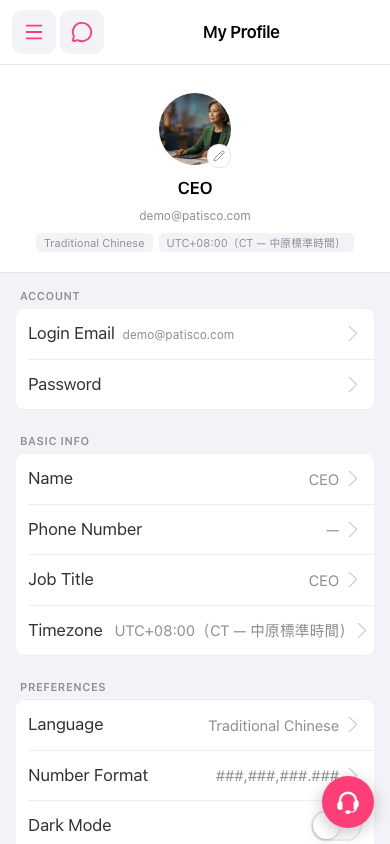 手機版|My Profile