
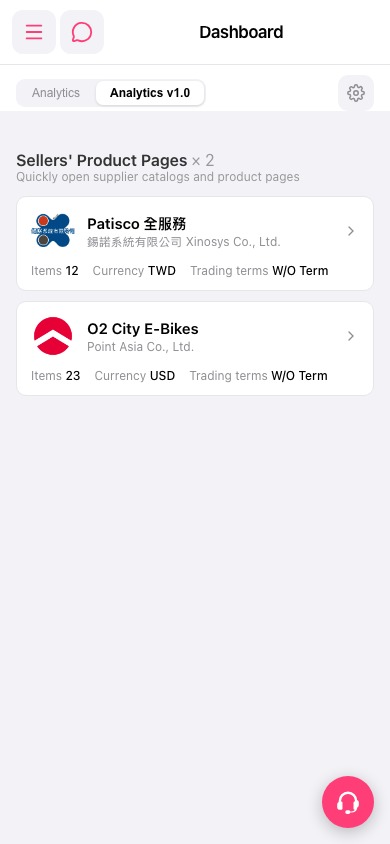
1. The tab row at the top of the screen has "Analytics" and "Analytics v1.0" tabs. 2. The currently selected tab (indicated by an underline) is "Analytics v1.0", which means you are viewing the v1.0 version of the analytics page. 3. Click the "Analytics" tab on the left to switch to another analytics version view. 4. To adjust the display settings of the analytics page, click the "⚙️ Settings" icon in the top right corner. 5. If you have any questions about operation, click the pink circular "Customer Service / Support button" in the bottom right corner to open an online chat with support.
 手機版|Dashboard