
1. The tab row has two options: the currently enabled tab is "Analytics v1.0" on the right; to switch to the legacy analytics version, click the "Analytics" tab on the left. 2. The "⚙ (Settings)" button in the top right opens the Analytics display settings, allowing you to adjust how the dashboard analytics content is presented. 3. If you have any operational questions, click the "🎧 (Support)" floating button in the bottom right corner to contact the support team for assistance.
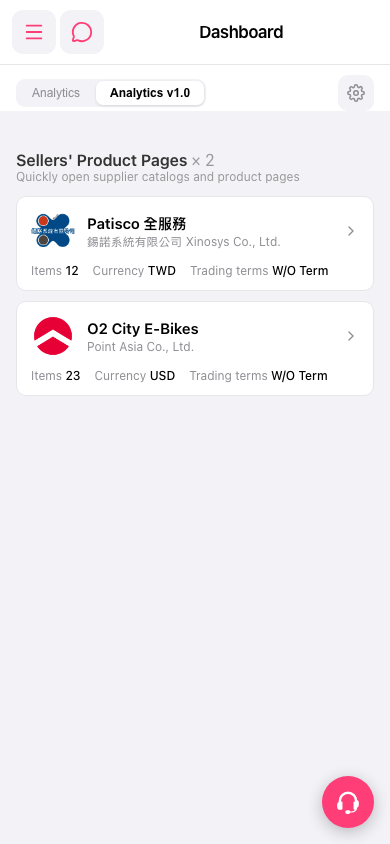 手機版|Dashboard