
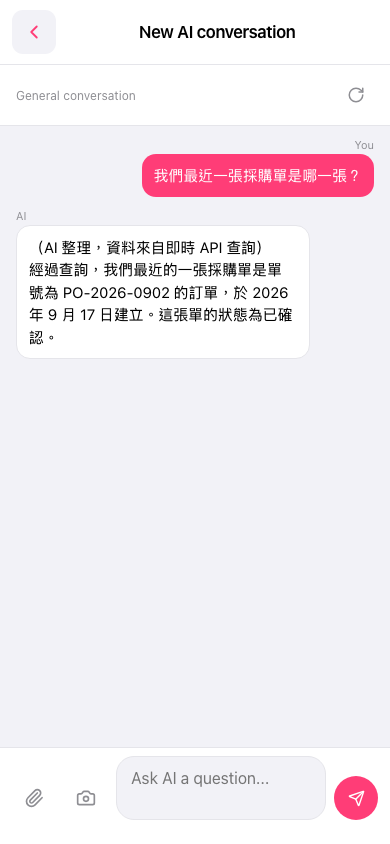
1. After entering the "AI conversation assistant" page, tap the input field at the bottom "Ask AI a question...". 2. Type your question in natural language, for example, "What is our most recent purchase order?". 3. Tap the pink send button (paper plane icon) in the bottom-right corner to submit. 4. Wait a moment. The AI will query the backend API in real-time and display the results in a conversation bubble. Below the response, it will note "Data comes from real-time API query".
Example question: "What is our most recent purchase order?" Example AI response: "After querying, our most recent purchase order is PO-2026-0902, created on September 17, 2026. The status of this order is confirmed."
 手機版|AI 對話助理