
1. Open mobile Patisco and click the bottom navigation to enter the "Quotations" page. 2. By default, the page displays the "Sent Doc." tab, listing all quotations you have sent. 3. To view quotations you have received, click the "Received Doc." tab in the top right corner of the page. 4. Click any quotation card in the list (e.g., QT-2026-0411) to enter the detail page and view the complete content.
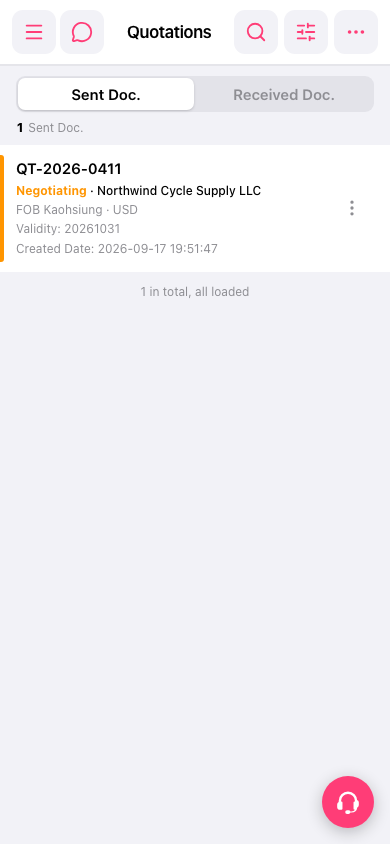 手機版|報價單管理(Quotations)