
1. After entering the catalog page, the left side "Category" section displays the current classification (bicycle parts). You can click sub-category tags like "Drivetrain and Wheels" to narrow the scope. 2. To filter by price, enter the amount range in the Min and Max fields under "Price range" on the left side, then click "Apply" to apply the filter. 3. You can also type product keywords in the "Item name" field in the search bar at the top and press Enter to search. 4. The sort dropdown on the right can switch between "Created D..." (creation date) or "↓ High to low" (price high to low) to adjust the product listing order.
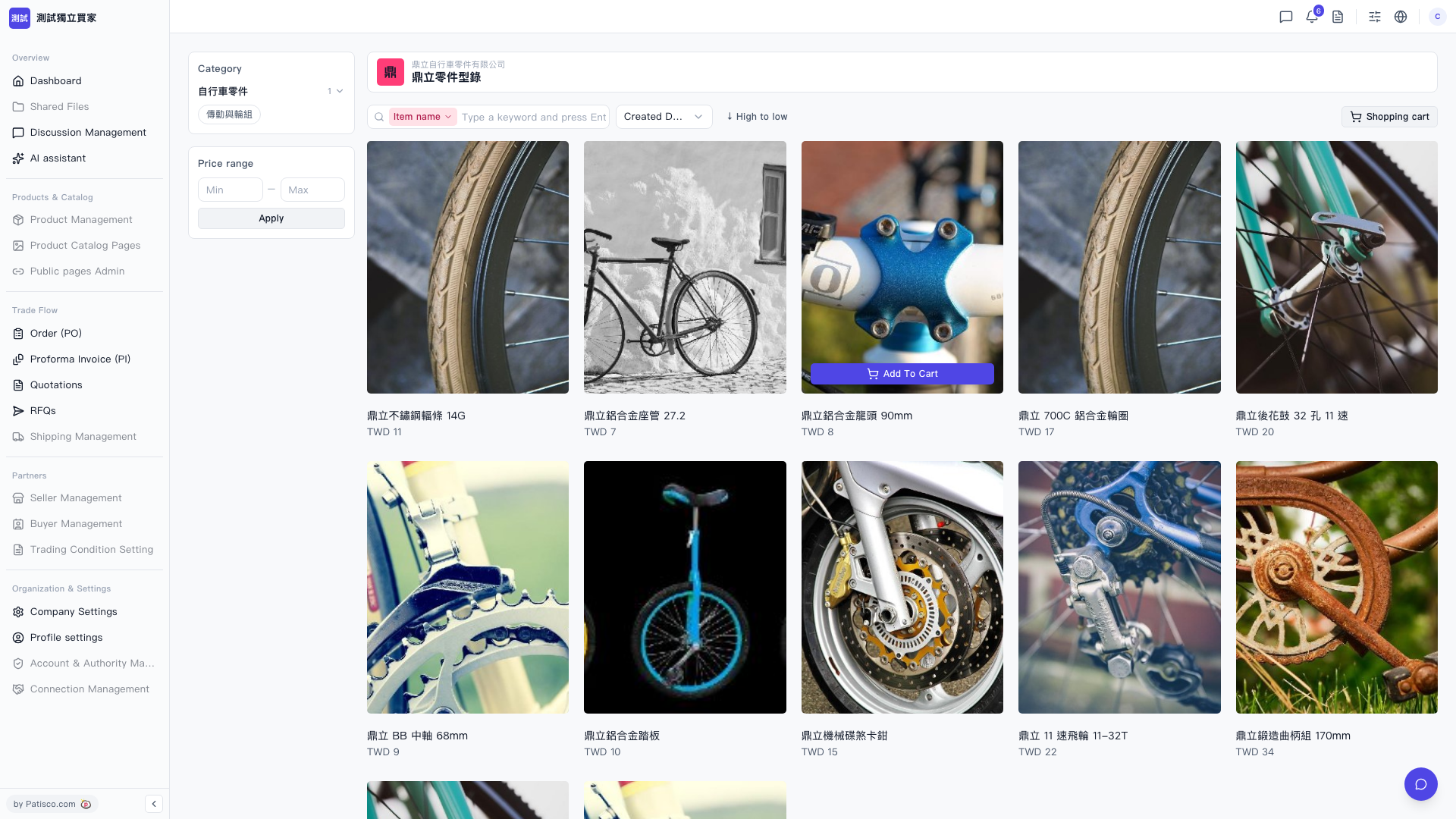 V5 新桌面版|鼎立零件型錄