
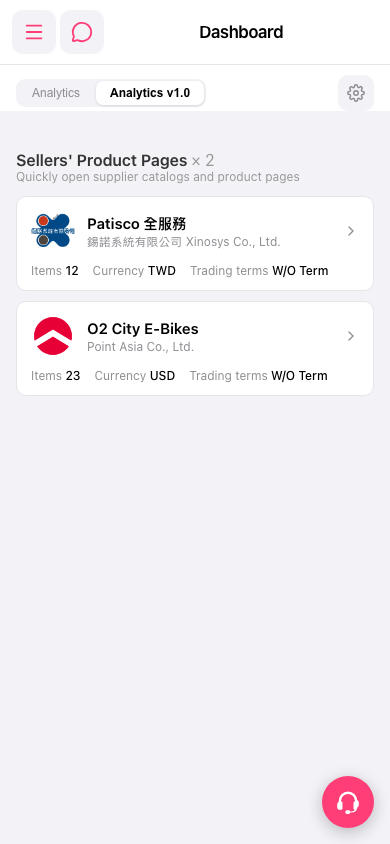
1. Top right "Settings gear": Click to open Analytics display settings, which you can use to adjust Analytics-related view options. 2. Bottom right "Customer service floating button" (pink): Click to open customer support chat. If you have any operational questions, you can seek assistance here. 3. The "hamburger menu" in the top left opens the side navigation, and the "message/chat bubble" icon next to it lets you view messages or notifications.
 手機版|Dashboard